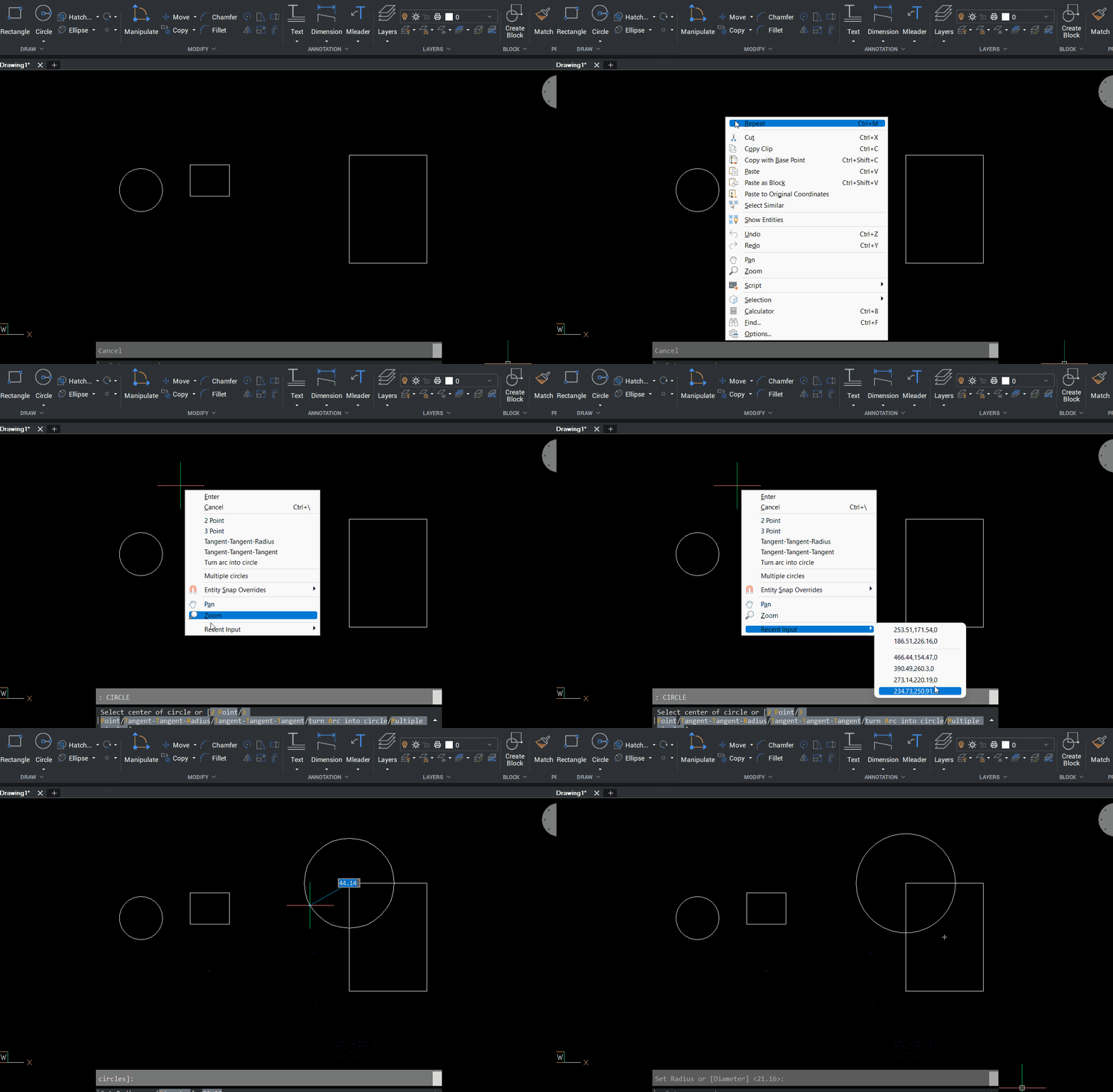
"Recent input" submenu on right click context menu

Dear BricsCAD community,
I'm hoping one of you can help a recent convert from ACAD (never going back!). I have modified my right click menu and possibly (?) inadvertently removed "recent input" submenu like what is shown in the image on this page ( ). "Recent input" is not available in the "available tools" on the right hand side of the menus tab in the customize dialogue, so I have no idea how to append it to a context menu. Can anyone help me?
Thanks, C
0
Comments
-
Did you check that SHORTCUTMENU value 4 is on? This Recent input appears only in command context menu, i.e. when you run some command and want to use previous command input:
 0
0