Library thumbnails

Good morning all,
Not sure if this is the right category but seemed the best.
I'm totally confused on how to get the thumbnails to show on some blocks. I have been using AutoCAD for 30+ years and have a large block library, pipe fittings, valves, mechanical components etc, 31,000+ blocks.
Steps so far:
Install BricsCAD Ultimate trial.
Find library,
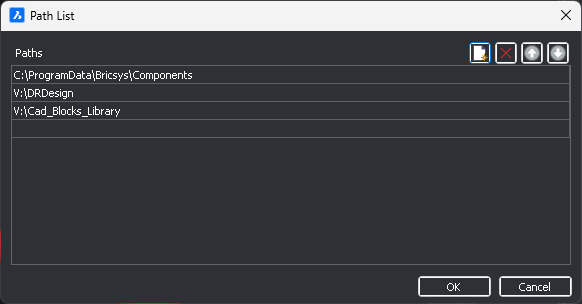
Add paths to library under manage libraries. Image 01.
Goto my library folder, no thumbnails visible, try "Generate thumbnails", ran for quite some time.
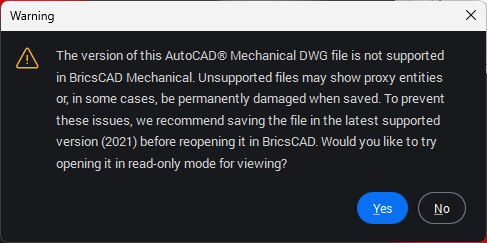
Try inserting blocks, error, Image 2.
Wrote script to open, zoom extents, qsave and close files in the DRDesign/DRD3Pipe folder. Ran script to update files to BricsCAD.
Can now insert blocks, still no thumbnails. Run "Generate thumbnails" again. Close and restart BricsCAD, still no thumbnails.
Now this is where I am totally befuddled.
I discovered some folders showing thumbnails. Here are 3 different folders with different results.
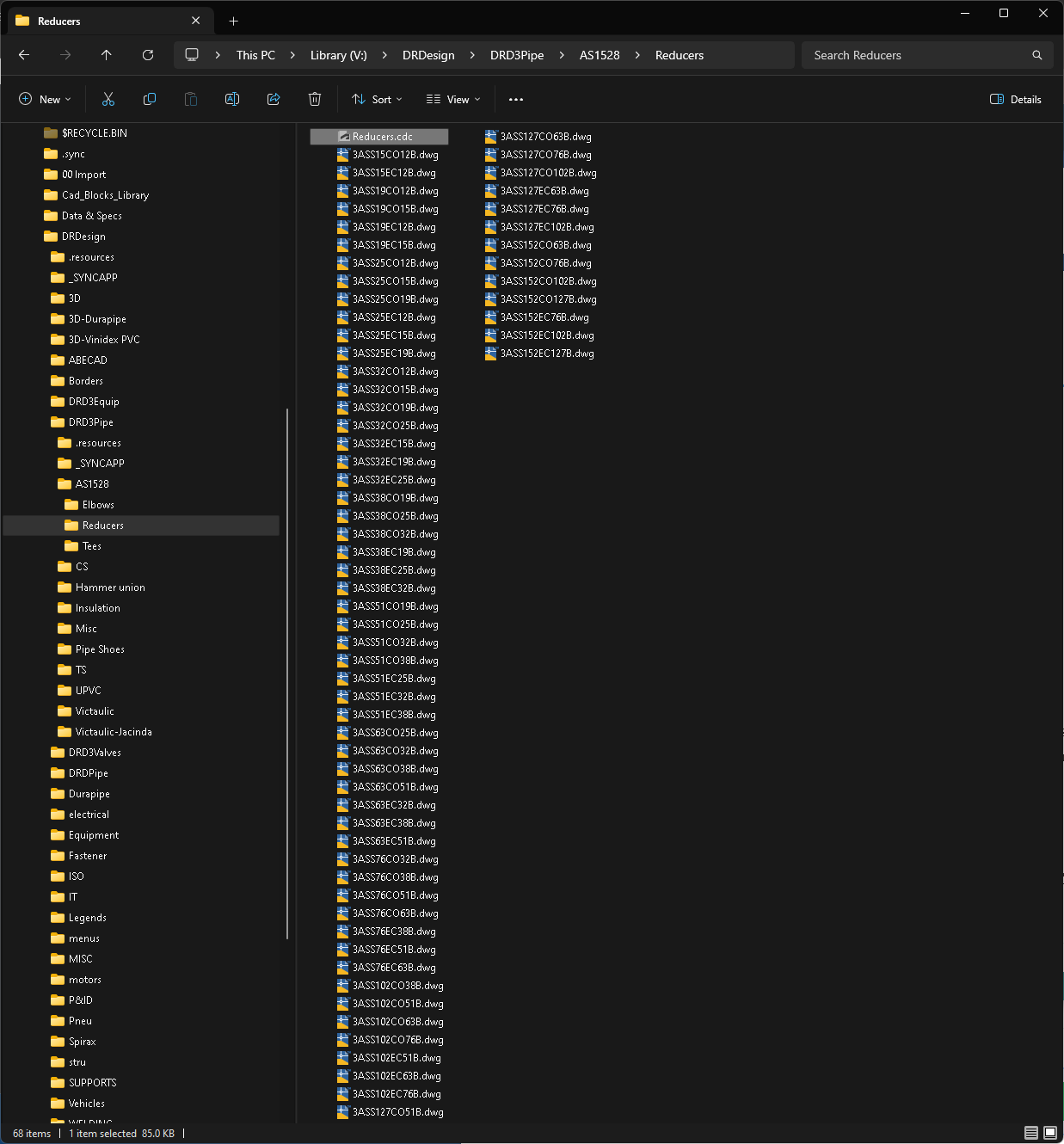
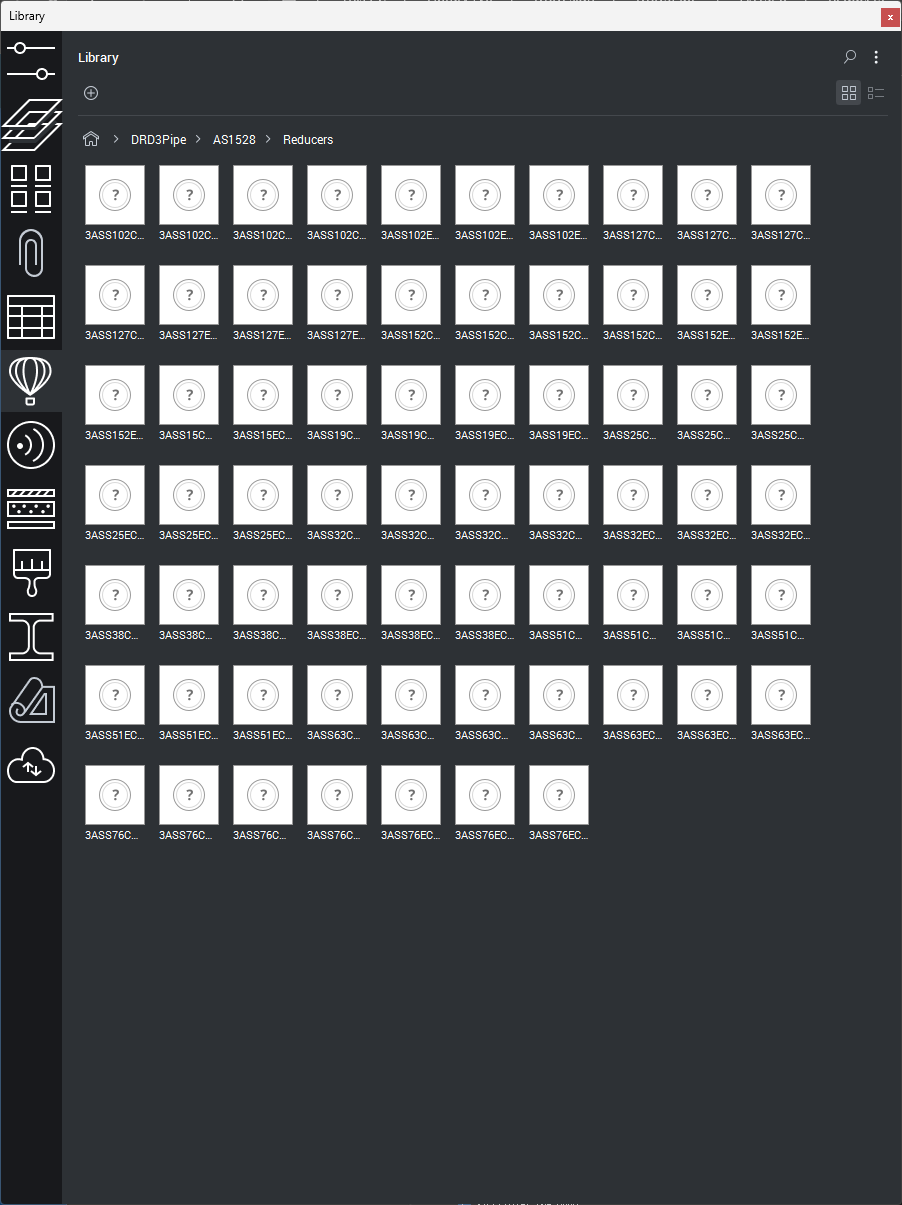
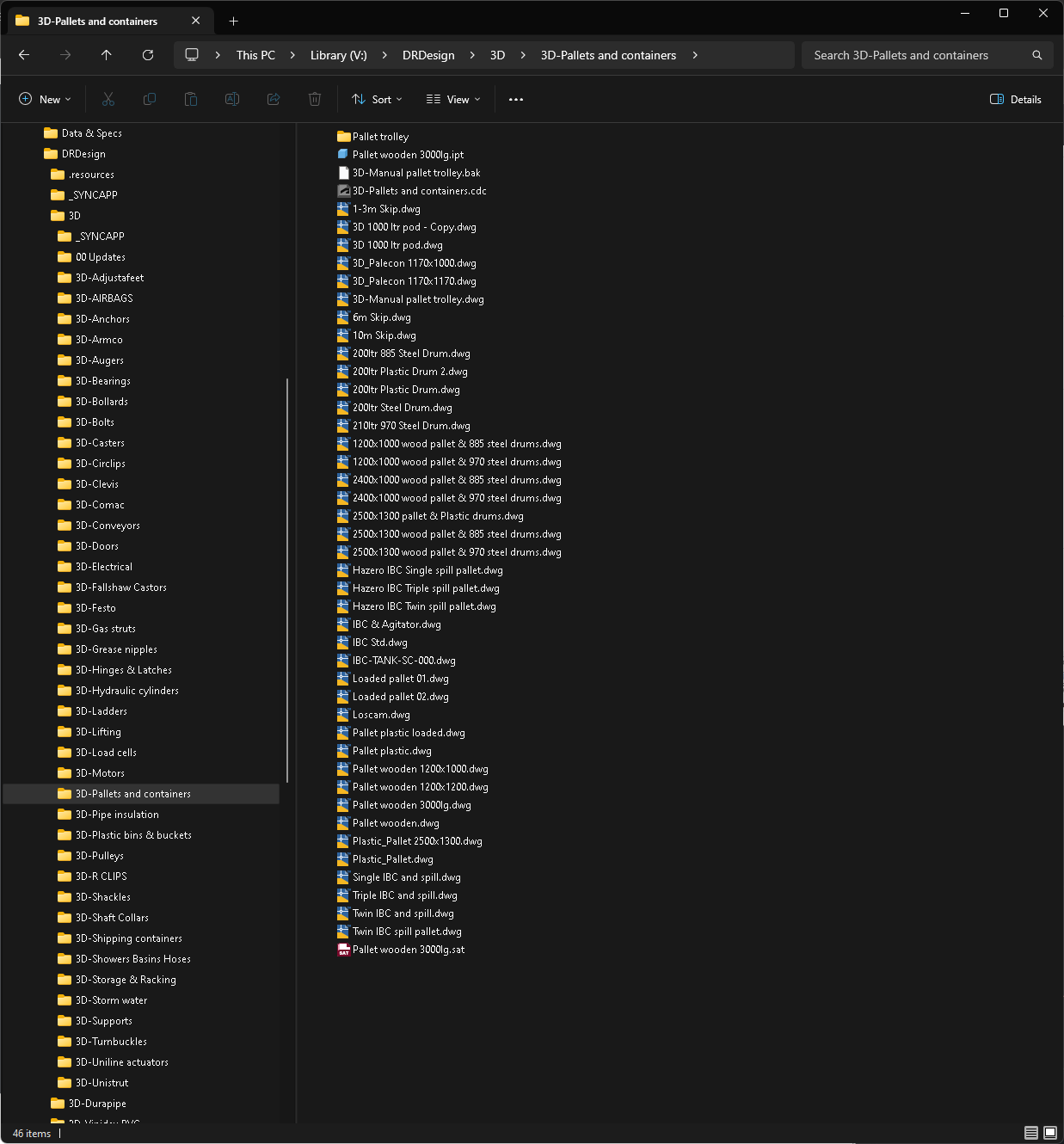
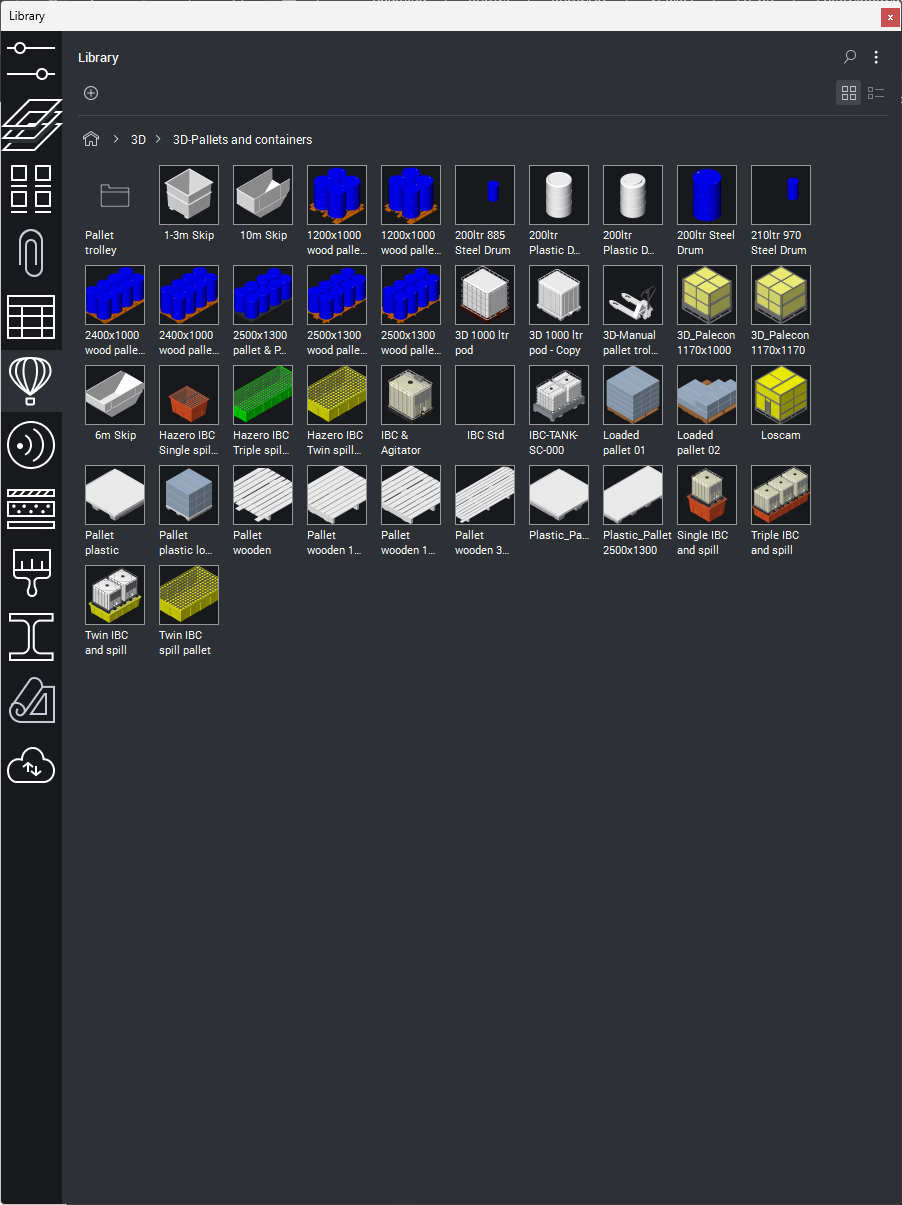
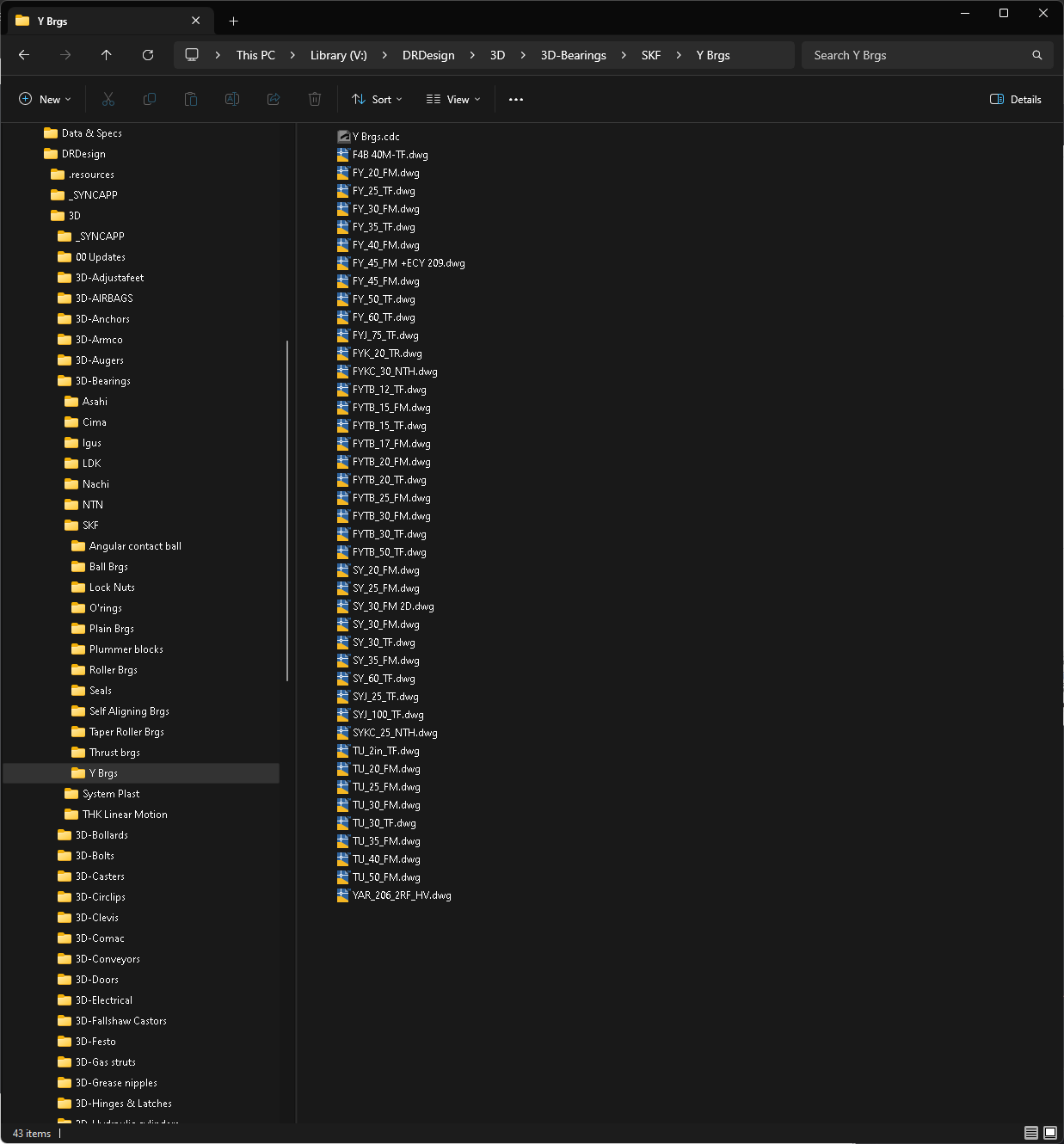
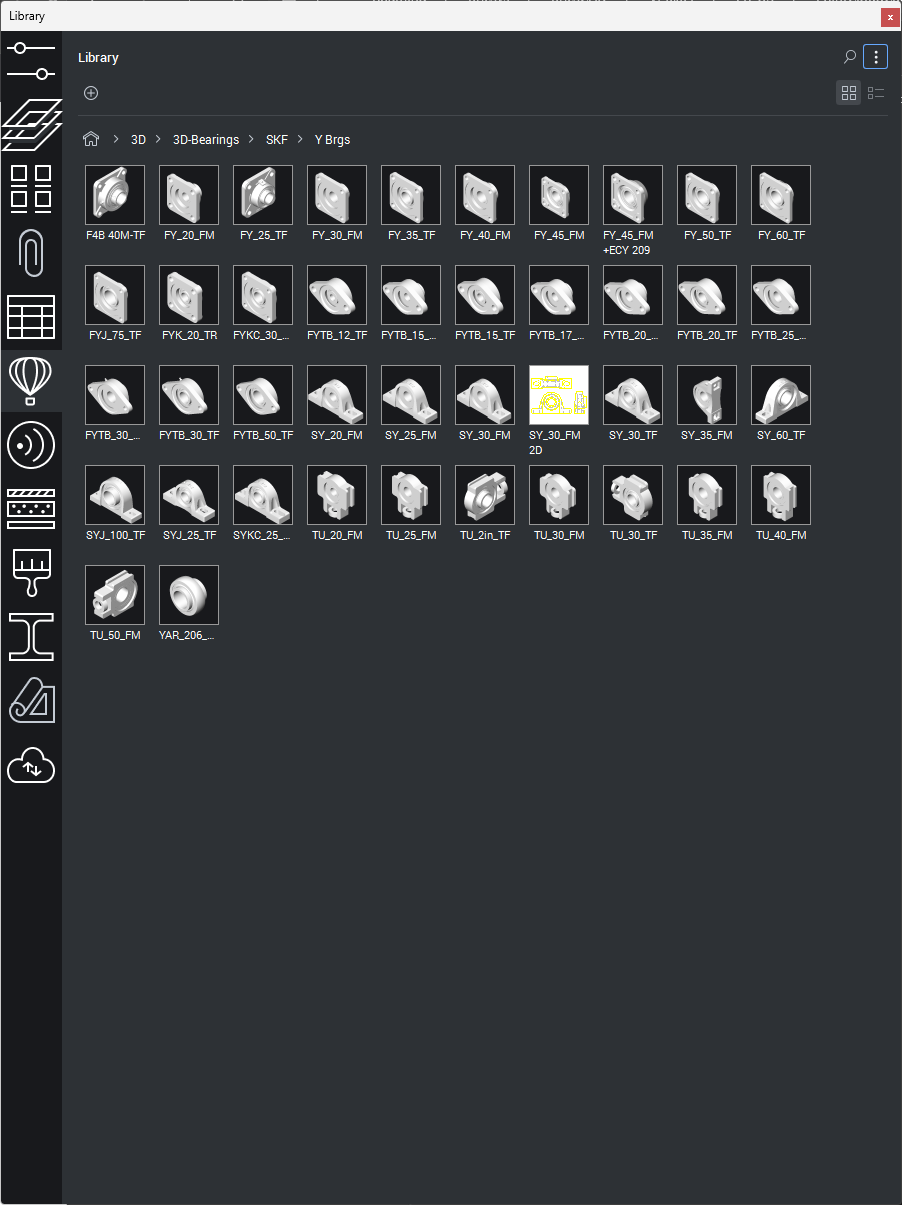
- Images 03 & 04, These are all self generated, where included in the previously mentioned script so are BricsCAD updated. No thumbnails still. Now insert into new drawing without error.
- Images 05 & 06. These are all self generated, where NOT included in the previously mentioned script so are NOT BricsCAD updated. Yet thumbnails showing and insert into new drawing without error.
- Images 07 & 08. These are all downloaded from vendor website. Have previously been opened and cleaned up by me in AutoCAD to remove extra layers etc. Where NOT included in the previously mentioned script so are NOT BricsCAD updated. Yet thumbnails showing and insert into new drawing without error..
Have included the images 03, 05 & 07 to show they are all in the same V:\DRDesign path in image 01.
I did notice that the 05/06 folder had a Acad cdc file and the 03/04 folder didn't. I wondered if BricsCAD was reading from this to get thumbnails so went back to AutoCAD design review to generate a cdc file for the 03/04 folder then ran "Generate thumbnails" again. Still no thumbnails.
Why some and not others?
Any help will be appreciated. I am a little under the pump here. My son introduced me to BricsCAD 2 days ago, I have until 2nd April before Autdesk help themselves to another years robbery. I would like to get myself familiar and issues sorted before then if I'm going to change. We like what we're seeing so far.
Than you.
Dennis.
Comments
-
Not a solution but a work around, you can via POP menu ribbon etc make a Block insert choice it can have say multiple choices. Then it will display a image of the block in a DCl, the dcl is part of Bricscad and does have a advantage of Next and Previous. Displaying 20 blocks at a time Next will show 20 more and so on can have multiple pages.
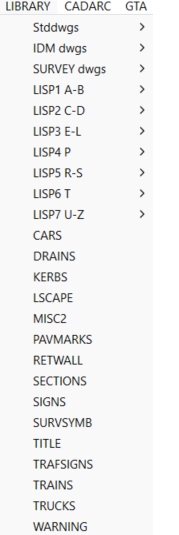
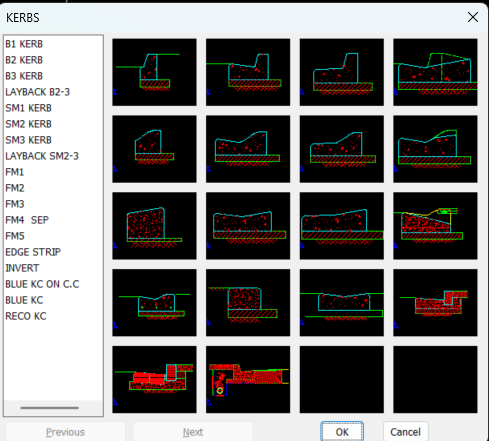
I can not see that you need to see 30,000 blocks.in one go rather by component type. I have some ways to make the menu and the images. There is a slide library program so all your images end up in one file or say files with same content. So break yor 30k down into say 1000.
0