PNG image attachments lost V26

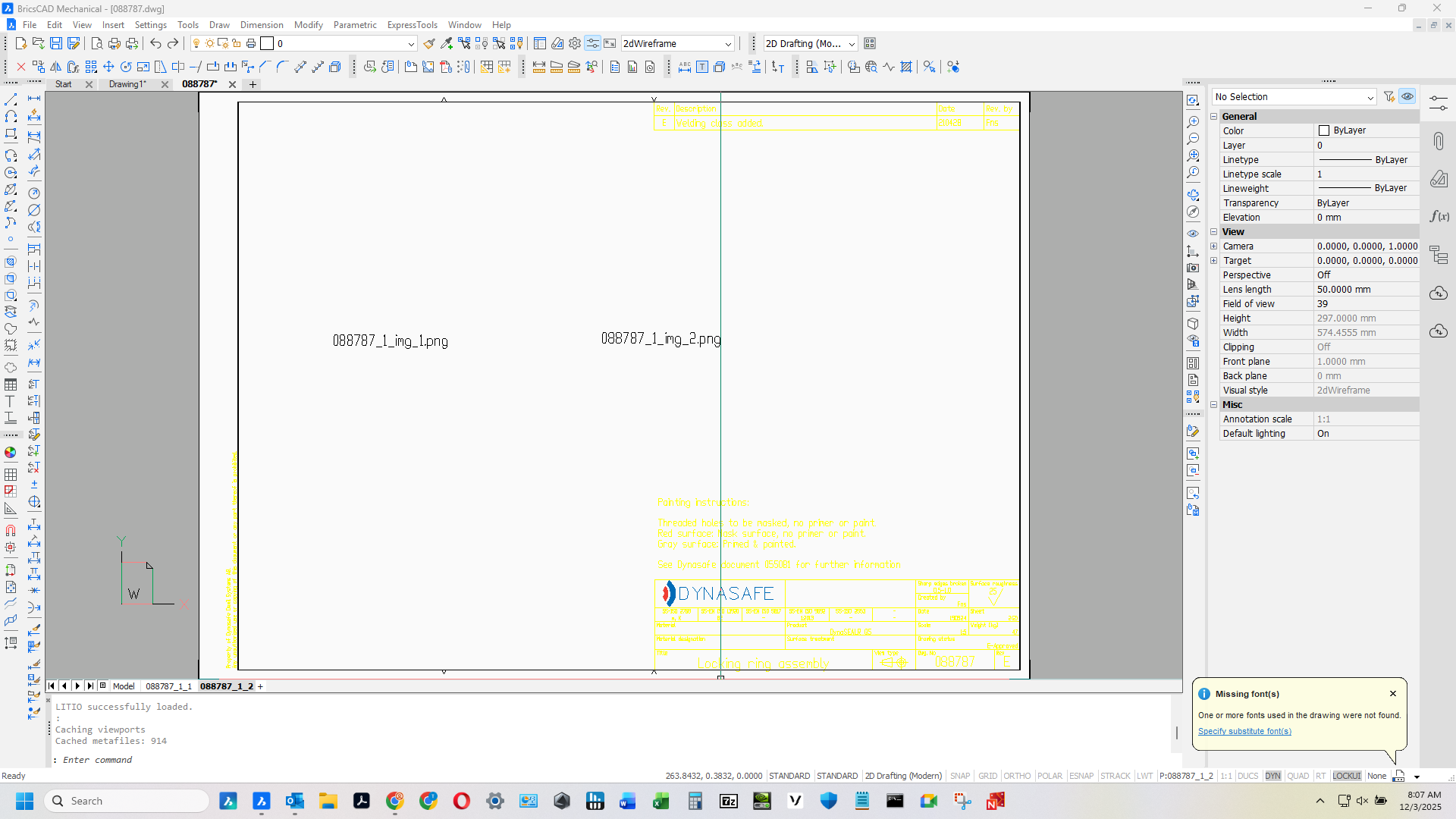
I received some drawings with png images attached but something got messed up in the translation. Perhaps the sender forgot to turn off the OLE "links" or something?
The engineer that sent it uses Creo and he's not familiar with Autocad/Bricscad processes so I don't know what to tell him regarding how to fix it on his end. See image attached, if anyone has any ideas please chime in thanks!
Comments
-
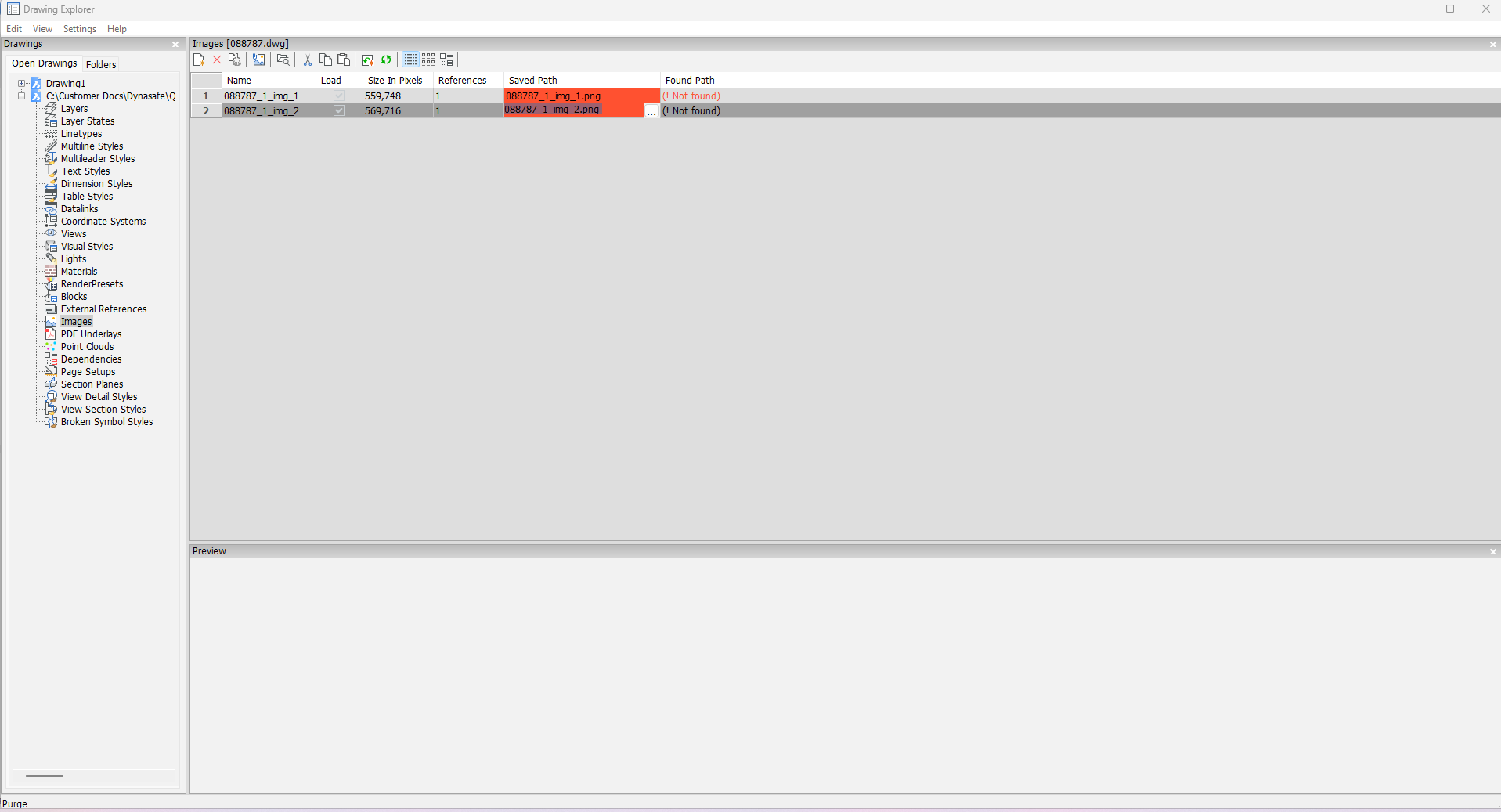
Do you have the mentioned png files with a drawing? They should be transferred with a drawing, as images are not build in to the drawing. Do you able to correct image paths manually via Drawing Explorer? Click on the 'Saved path' field, then tree dot button to choose image.
0 -
I don't have the png files, they didn't come with the drawing I guess. Went through drawing explorer as you said and says image not found. Pretty sure they got in a hurry or something and didn't attach them.
 0
0 -
Without png files you can't resolve this on your side. To bind images to the drawing they should be inserted as OLE objects: open image in any viewer, select all and copy/paste via clipboard to dwg file.
0 -
I think we had that problem in previous threads.
AFAIR Autocad has an option to "embed" images in the DWG and Bricscad has no access to those images.
You need to ask the clients if they can extract these and send them separately.
0 -
Which is what I ended up doing, had them just send the files as pdf's and that worked out fine. Cheers all for the chiming in!
2 -
I think I had a similar problem and may have used Powershell in a batch file to read a PNG to the clipboard. Trying to find it.
For BMP's
$bmp = New-Object Drawing.png("D:\Acadtemp\Tree10.png")
Add-Type -AssemblyName System.Windows.Forms
[Windows.Forms.Clipboard]::SetImage($bmp)Similar but different code for png
See next post
0 -
Part 2, ok need to rewrite the ps1 file with correct image path and name. You call the bat file by this in Bricscad.
(startapp "D:\alan\lisp\powershell png.bat")
You can then use normal edit paste etc or use a lisp pasteclip as part of code so image is sya placed in correct spot.
See zip
0