Quick Select Bricscad Error

Am I doing something wrong?
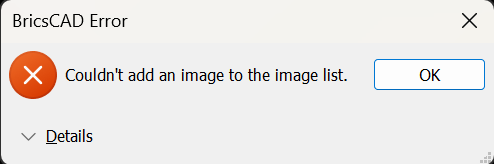
Every time I try to use the Filter in the Properties Palette, I get the dialogue below popping up.
I don't have any images selected (or actually in the drawing at all), so I can't work out what is going on.
Anybody got any ideas what this is for, as it has been like this on a couple of versions, and it makes no sense to me what it is for?
Comments
-
On our observation, this error appears when TOOLBUTTONSIZE is set to 1 or 2. So a possible workaround is to set TOOLBUTTONSIZE=0 and restart the program. The problem was forwarded to developers and should be corrected in a near future.
0 -
Morning Lyubov, thanks for this, I'm glad it wasn't me.
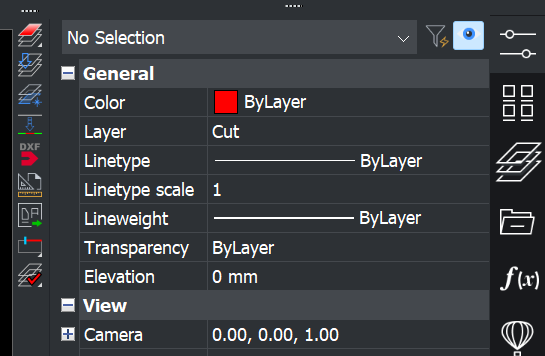
Hopefully, it will be fixed soon, as the icon size at 0 (my toolbar buttons on the left in the image below) on a 4k monitor are tiny (less than 5.5mm wide on a 28" monitor).
 0
0