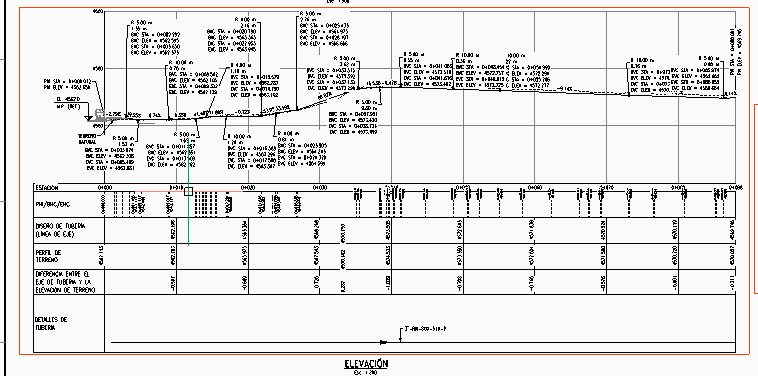
How can I get the attached file Layout?

I can not same layout like do CIVIL3D in BricsCAD Civil for terrain profiles, I mean add labels to Vertical Alignment Views, modify the presentation but linked to coordinates from Horizontal Alignment, etc.
What can I do?
0
Comments
-
You can import a Layout from the xref'd file, or from any other .dwg file.
- Right-click on any Layout tab, and select "From template..."
- Change the "Files of type:" setting from "Drawing Template (.dwt)" to "Standard Drawing File (.dwg)".
- Browse to the folder it's in, select the file, and click on "Open."
- Select the Layout you want to import and click on "OK."
0 -
the file is a CIVIL 3D dwg, and have linked data to objects, I mean when a line is moved others data and that table is updated, I found BricsCAD support some objects, but not all. I think I am missing something.
So, How can I do add labels and Alignment View for civil3D objects?0