New Lookfrom icon not as versatile as the former

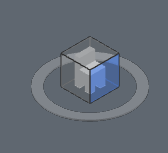
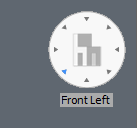
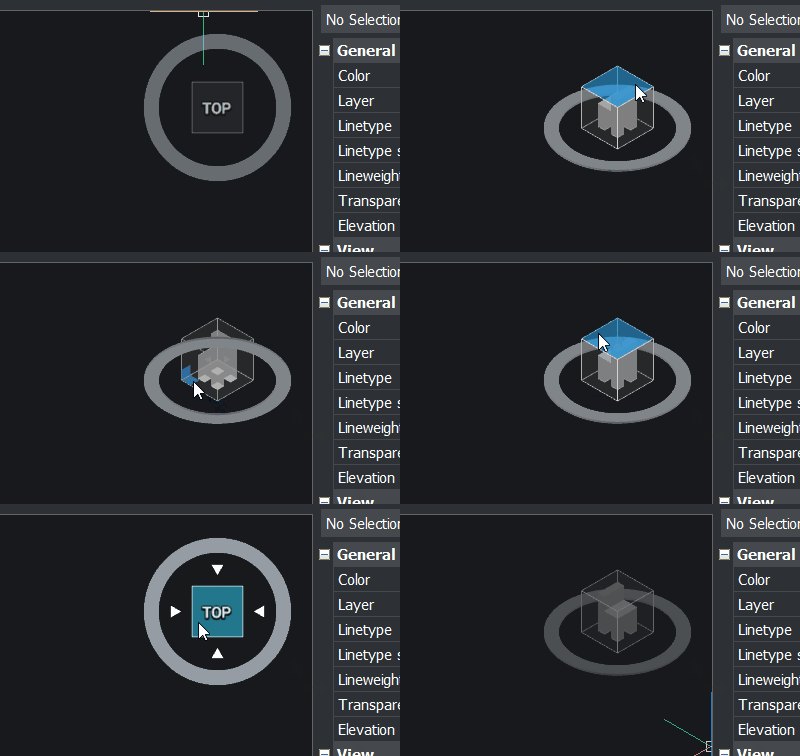
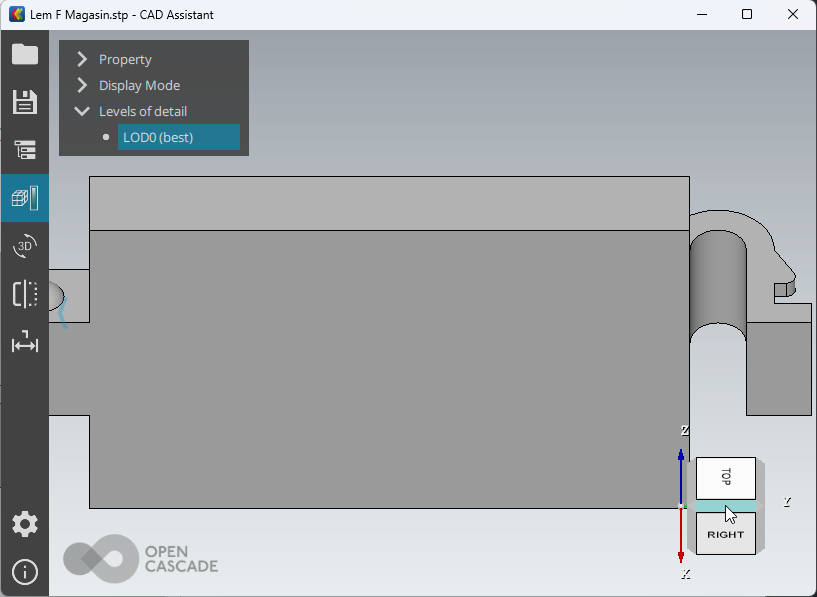
I discovered that when using the 8 top/down corners(26 directions) option for the lookfrom icon I cannot access some view angles with the new icon as with the former. Pls will this be improved, I find those angles useful to my workflow. I've attached photos to describe the situation.
Thanks.
Comments
-
With a new Look From you need to select a corner for angled views, while selection of face allows to choose standard orthogonal views.
 1
1 -
Not using latest versions, but can see what Jtlive is not getting. Can you click midpoint of a vertical edge, to get a 45o horizontal view?
0 -
The new lookfrom is a work in progress. Some features seem to be missing, such as using the CTRL key to switch between selecting top or bottom type views.
If you really can't work with the new lookfrom, then you can turn it off by setting USENEWLOOKFROM = 0
When changing this variable you will need to close and restart BricsCAD as part of making the switch.
Jason Bourhill
CAD Concepts Ltd
0 -
My point exactly,
Thank you0 -
That's ok, then I look forward to an improved lookfrom view in a coming releases,
Thank you0 -
Jtlive When you use the new Lookfrom. Click on the ring, then move the cursor down and down downwards. (Dont move in circles) The drawing is turning. And every 90degrees there is some kind of stop. But I egrees that it would be helpfull when you can turn the drawing in topview modus in steps of 45 degrees.
0 -
Or just do like Inkscape (and others) where you can set an increment angle if you hold down CTRL when you rotate. Then it snaps every 22.5° or whatever angle you specify in settings.
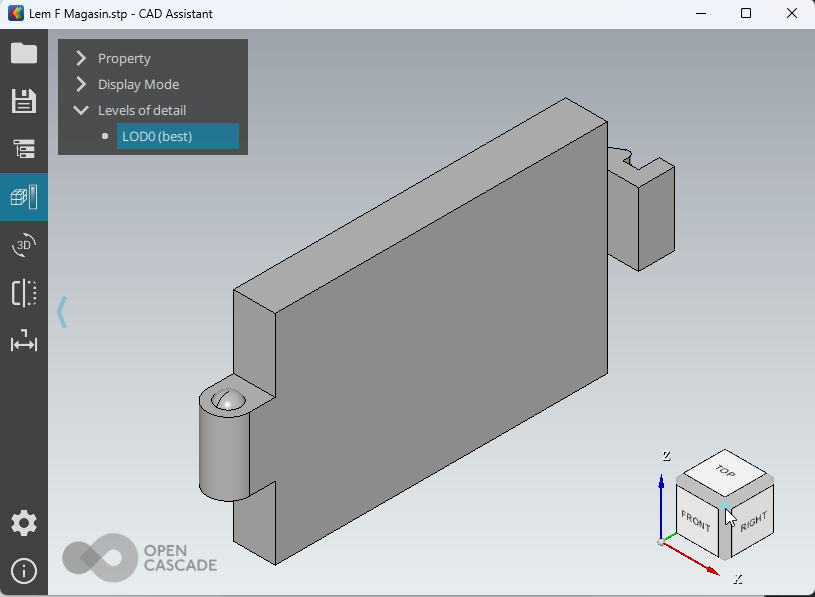
Another thing it really should have is the ability to press the corners/edges of the Lookfrom so you get a view from that location/angle.
EDIT: it has the corners view, not the side edge.
 0
0