Ghost Lines

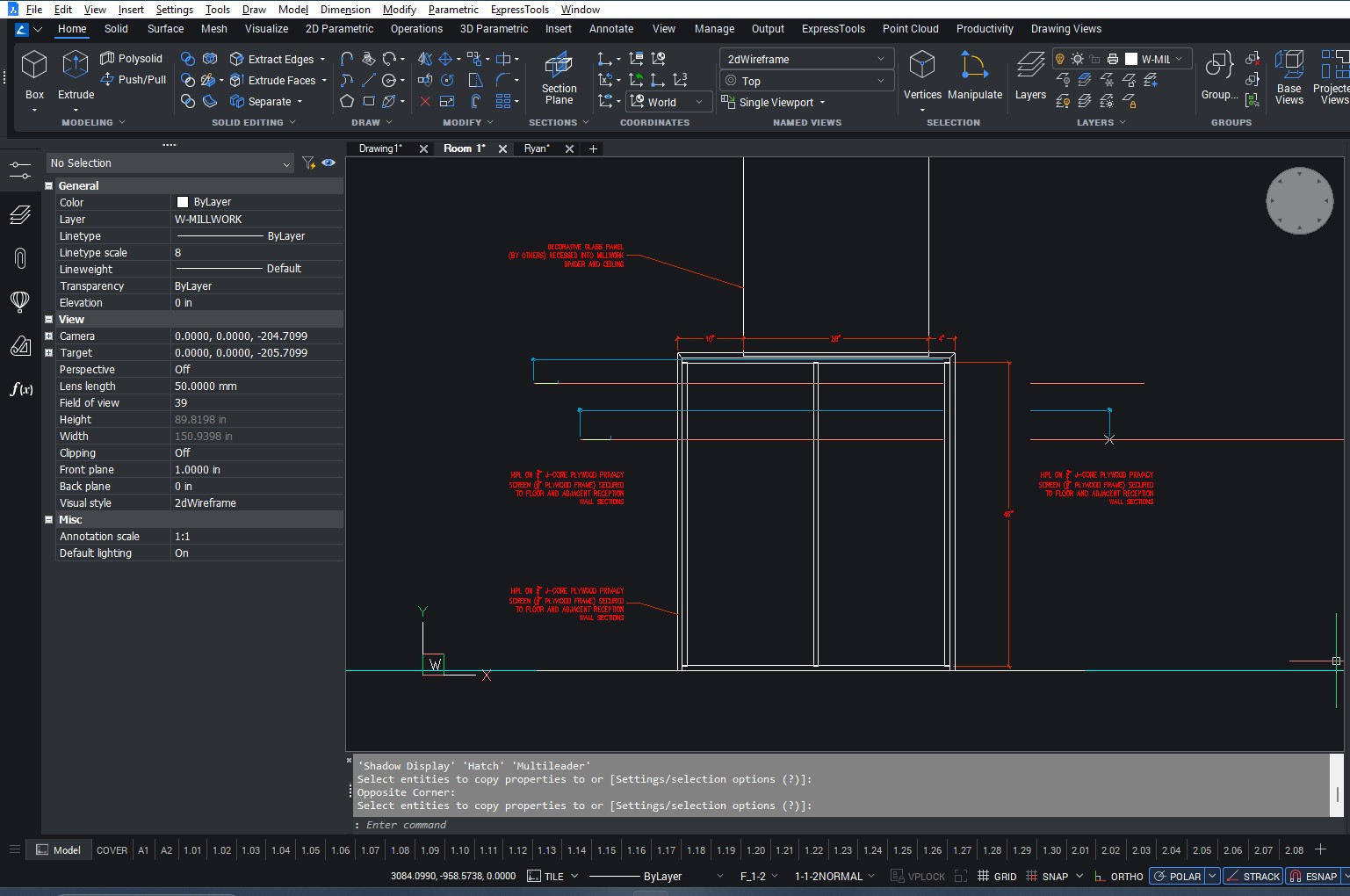
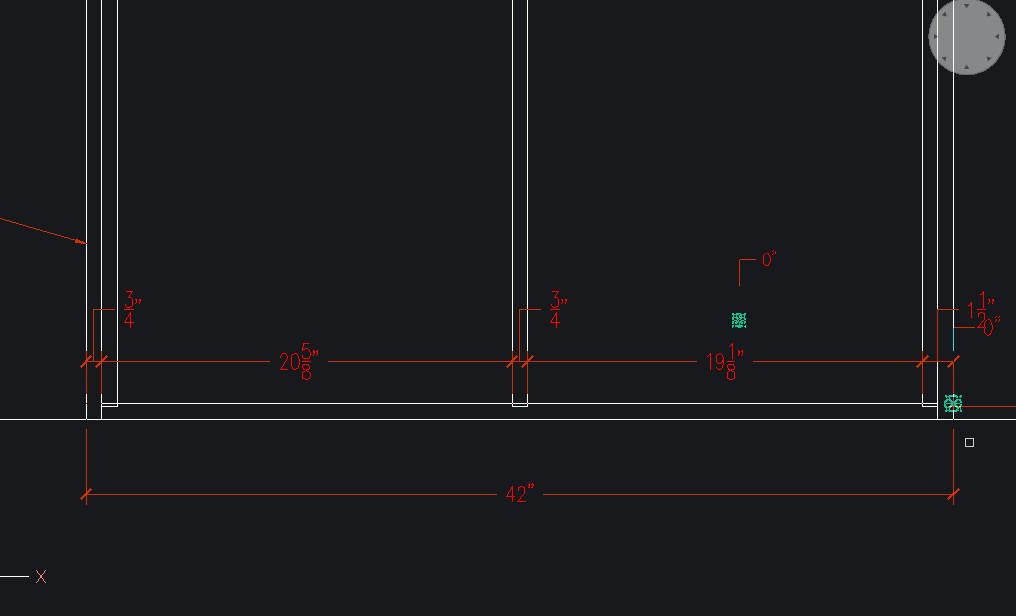
This has been happening since I installed BricsCAD. Phantom ORTHO tracking, Phantom verticies, phantom dimension lines, and many more are lingering in my model space. All drivers and software are up to date as of last week. It is cluttering up my drawing space and are also creating issues with drawing accuracy. My objects, lines, dimensions, ect sometimes snap to these phantom objects or points. They disappear with REGEN comand, zoom in/out, or pan across the drawing. Any help with this? I have been using AutoCAD for 2D and 3D drafting and haven't had these issues before.
Comments
-
Hello.
From the pictures, the ghost lines appear to be leftovers from the lines using by the dynamic input.
Usually, this behavior doesn't occur, I couldn't reproduce it.First, you could disable the dynamic input and test again, to check if, indeed, the ghost lines are from dynamic input.
Then, you could experiment with various values of the DYNMODE system variable to see whether the behavior improves.
Also, you could test by creating a new user profile.
If nothing helps, you could consider a clean installation of the software.
0