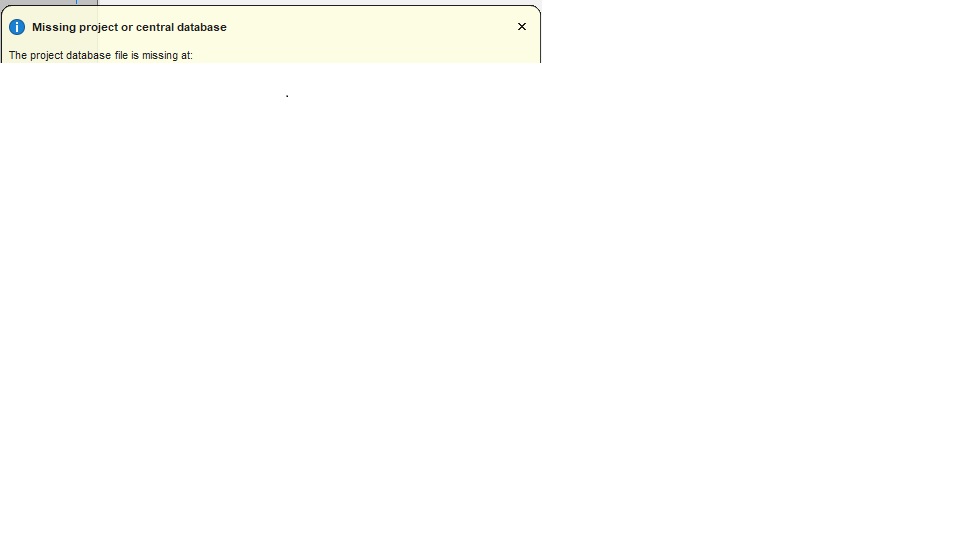
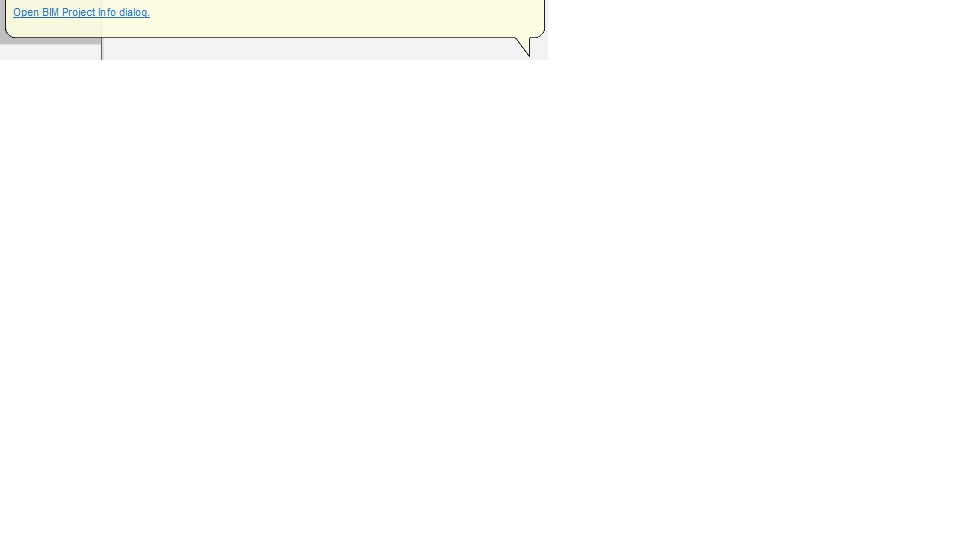
Missing project or central database

This message comes up constantly and is driving me crazy because I don't know how to get rid of it. I don't use BIM, but I tried it once - now it haunts me with this nag message. Do I have to reinstall Bricscad with a Modeling tier only? There must be a way to stop BIM from being active in my setup.
I have Ultimate 24.2.07 btw.
Thanks!
Comments
-
You may have setup a Bricscad BIM Project accidentally at one point.
This will create some configuration and data files. Mayebe you deleted one of these.Look for a "project.bsyslib, project.ds$, project.dst, updatetime" files in your project folder.
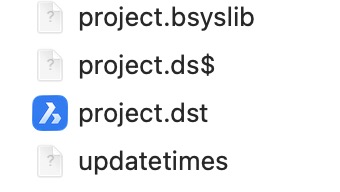
Remove/rename/delete these.
Then Bricscad should not expect a BIM Project when you open your drawings.0 -
thanks - I've deleted all the files like that that I could find. Will see if the msg pops up again or not.
cheers0
