Select Similar

This may end up being more of a feature request than a question. I don't see an area here in the forum for official feature requests, so if there is an established area or a process, please point me in the right direction.
I have been using the Select Similar command from the right-click context menu more than ever before. While it has been a very useful command for me, I believe it could be much more useful with a minor tweak.
What I'd like is to first be able to select the entity which I want to use as the basis of the Select Similar command, but then have the option to narrow down the entities which end up being selected.
In other words, instead of immediately selecting all similar entities throughout the entire drawing that are similar to the original base entity selected, I'd like an option to narrow down the search to a selection rectangle or to only those entities visible on the screen at the time.
I've searched through this Forum and the Help Center, but haven't found any information to think this is an existing option. I've also searched through the BricsCAD Assist panel, but found nothing there either.
On the topic of the BricsCAD Assist panel, it is very surprising to me that the programmers of BricsCAD haven't noticed that the green font they use for the commands that they turn into hyperlinks in the responses from the BricsCAD Assistant are completely unreadable against the default dark gray background. I have to use my cursor to highlight the text, making all the fonts turn white, in order to be able to actually read the responses. Maybe the programmers have never actually used the BricsCAD Assist function? Does anyone know how to change the default green font for those hyperlinked commands to some other color that contrasts better with the background?
Comments
-
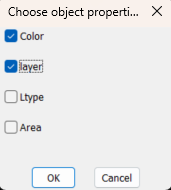
You could certainly make a lisp that would allow you to select certain properties for a given object. Say a Pline, oh yeah length, is closed.
 0
0 -
Hello,
Besides lisp, you can edit the selection set by using the QSELECT command:
Regarding BricsCAD Assist panel, can you attach a screenshot?
For me, the colors are: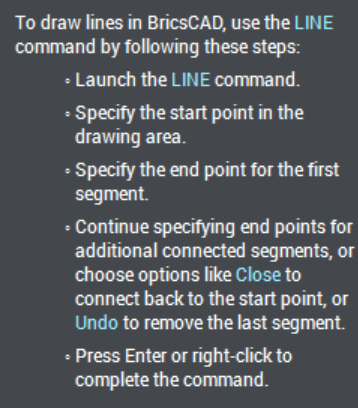 0
0 -
@DIY_Guy, Could this routine suit your needs better (it's free).
0 -
Since your DIY : ) as Alan mentioned you can roll your own with lisp, or with Python you can fine tune sets with AcEdSSGetFilter, or use a combination selection set filter and AcEdSSGetFilter. Here’s an example filtering dynamic blocks
import traceback
from pyrx import Ap, Ax, Db, Ed, Ge, Gs, Gi


def filterCallback(ids: Db.ObjectIdArray):
    itemsToRemove = []
    for idx, id in enumerate(ids):

        #remove non blocks
        if not id.isDerivedFrom(Db.BlockReference.desc()):
            itemsToRemove.append(idx)
            continue

        ref = Db.BlockReference(id)
        #remove non dynamic blocks
        if not ref.isDynamicBlock():
            itemsToRemove.append(idx)
            continue

        #remove if not on layer '0'
        if not ref.layer() == "0":
            itemsToRemove.append(idx)
            continue
    return itemsToRemove


@Ap.Command()
def pyselect():
    try:
        # filter = [
        #     (Db.DxfCode.kDxfStart, "INSERT"),
        #     (Db.DxfCode.kDxfLayerName, "0"),
        # ]
        # ps, ss = Ed.Editor.select(filter, filterCallback)

        # or

        ps, ss = Ed.Editor.select([], filterCallback)
        print(ps, ss.size())
    except Exception:
        print(traceback.format_exc())
The sink is dynamic
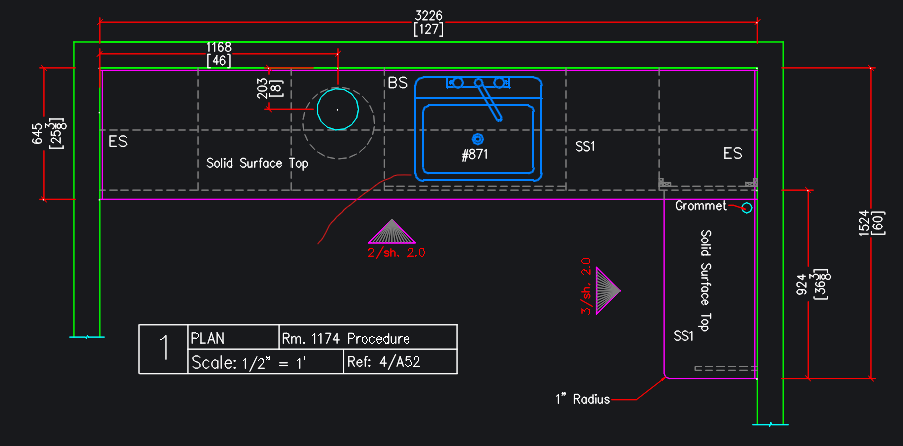
then you can use use select previous
0 -
Also, a Select by type or an object selection filter like "the other cad solution" would be amazing
0 -
Yes, there are more comfortable "Select Similar" options outside.
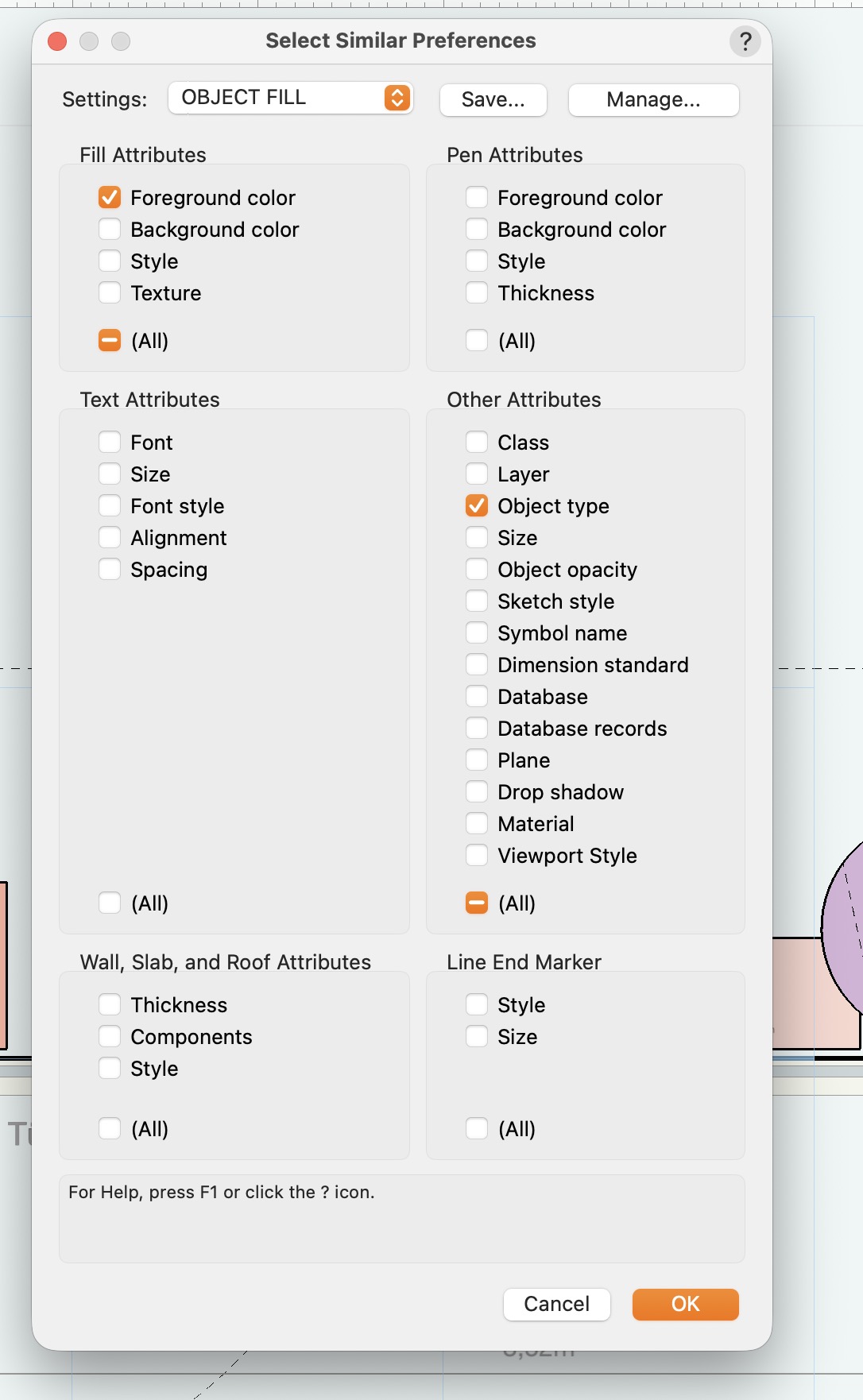
OK, that misses IfcClass options.
Selection Filtering also, quite improved lately, but I still miss the simplicity, capability and ease of use of Microstation's Selection control back from the late 90ies.0