Is it possible to show the structural layers joined in a T wall connection

I have two walls with simple compositions seating as nearly T formation as shown.
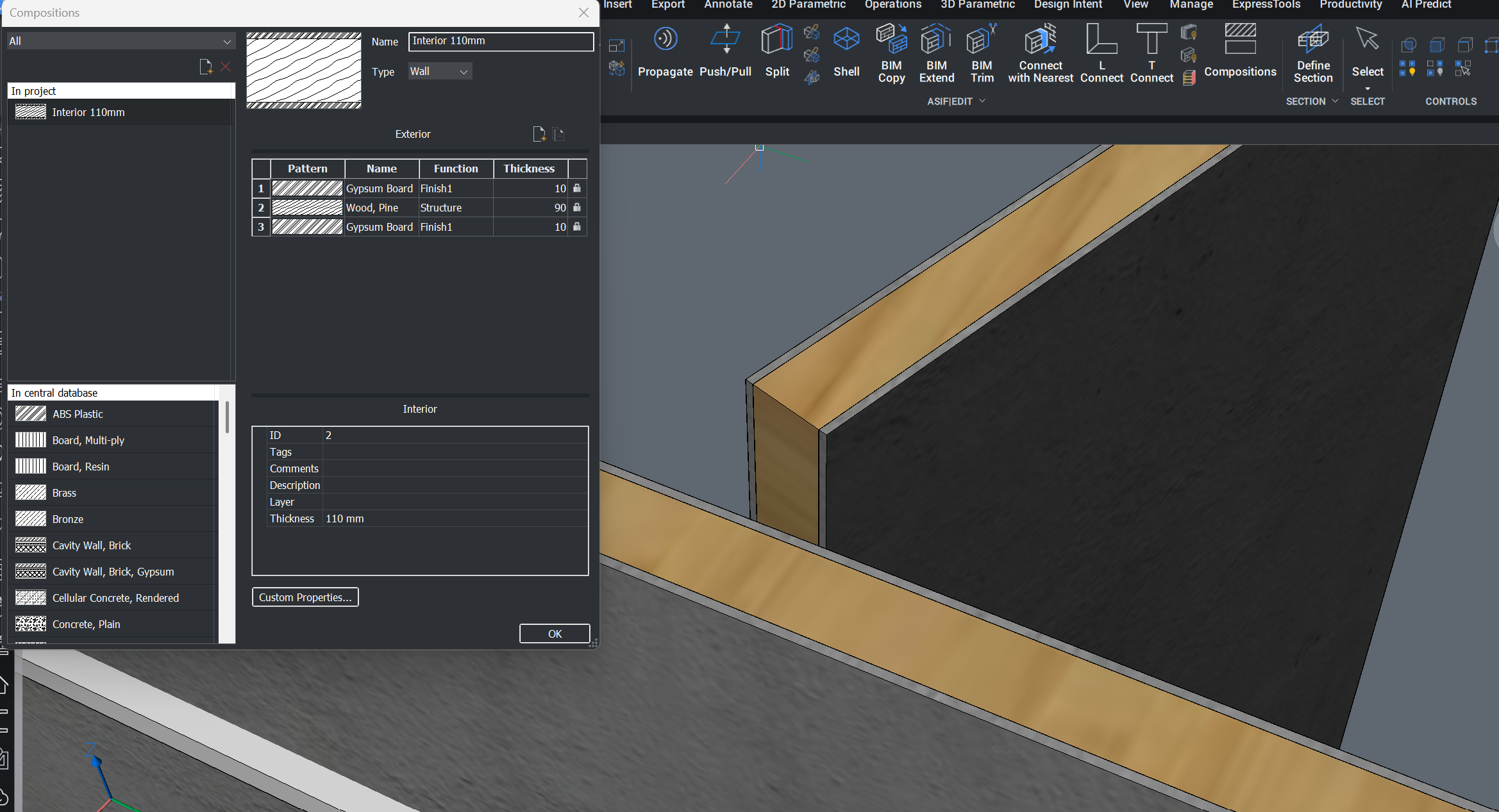
Then I made a T formation using 'Connect with Nearest' or 'T Connect' tool. But the structural material doesn't show up meshing up internal or external finish always comes up in a way.
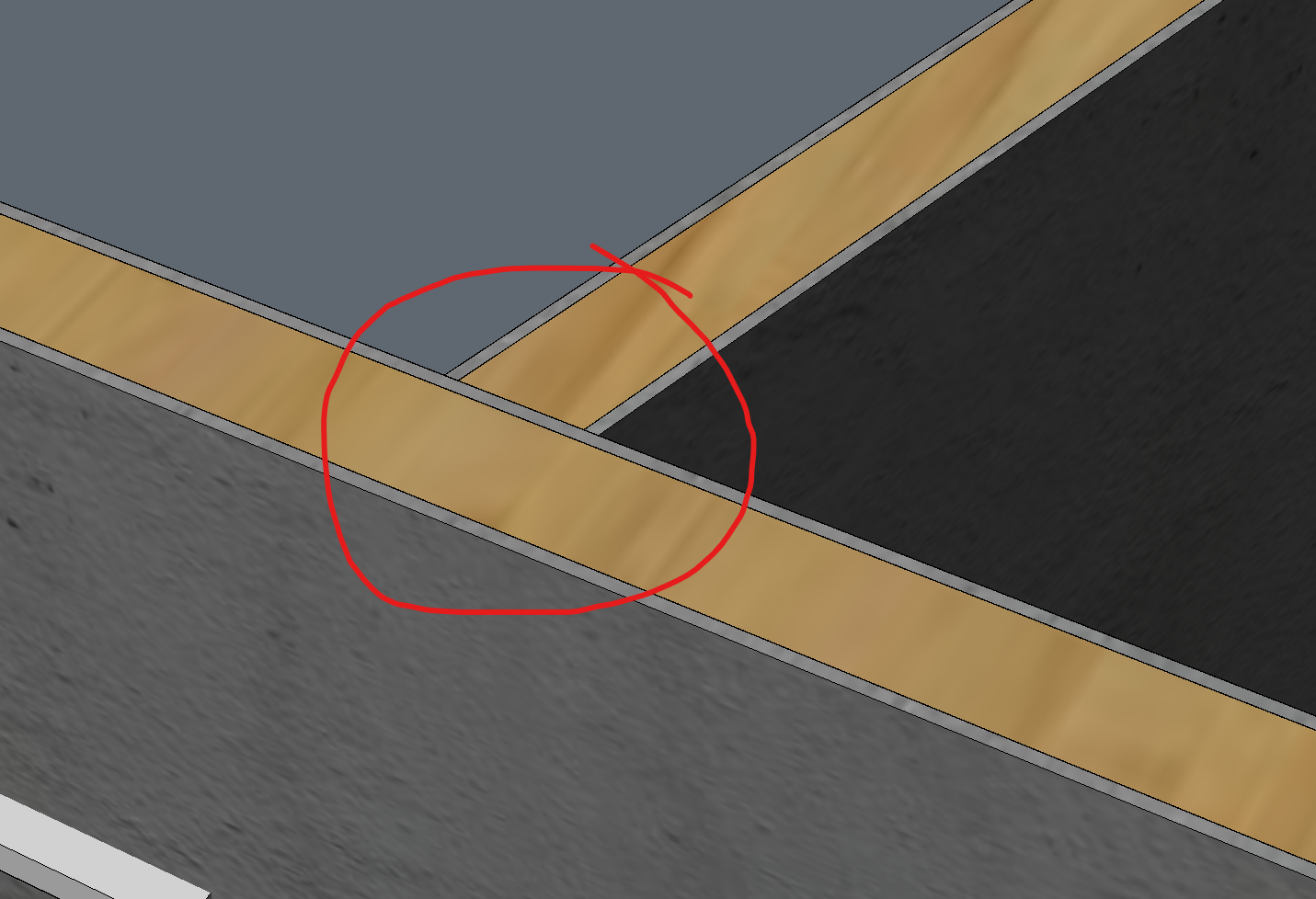
What's the solution that structural material connect together without interrupting by other layers both in 3d and plan view?
Comments
-
I am also interested …
0 -
Hello.
You could experiment with an approach like this:
- Set DMPUSHPULLSUBTRACT = 1.
- Use DMPUSHPULL, then place the mouse cursor over the intersection area.
- Press the TAB key successively until the vertical face of the middle ply is highlighted.
- Click on that face and press ENTER.
- Move the mouse cursor and snap to a point on the middle ply on the other wall.
This will "extend" the middle ply of a wall to the middle ply of the other wall.
Also, the outer ply will be cut - an automatic subtraction occurs.0 -
That is what I would call "Direct Modelling on by Ply level" - manually.
(Which is basically ok - but tedious and error prone for later Wall changes)
I think what the thread-starter meant was a Setting that will do that automatically get structural vs finishing Materials connected accordingly. Like a priority based system as in Archicad or Bonsai, or cut/combine by core or avoid lines between same Materials in VW or such things.
(Even if it would not mean real 3D geometry but some magic voodoo in 2D Plan Generation only)0