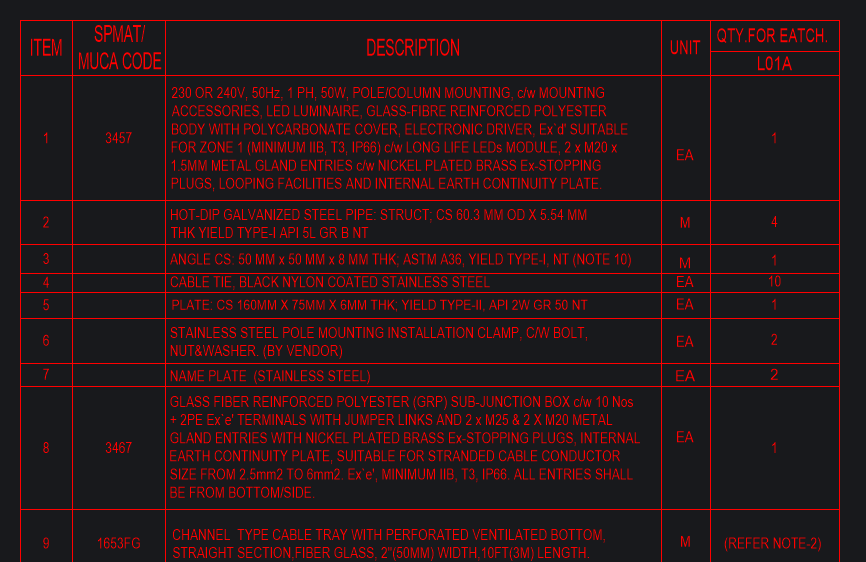
Table Color

"I'm unable to change the text color of the table all at once. Right now, I have to change the color of each cell one by one, which is taking a huge amount of time."
Comments
-
There are several ways to solve this:
- If for this drawing only, you can adjust the table style, you can set the text colour in there to apply to all tables using that style. Additionally you can also set the cell background and border colours separately.
- Assuming the entire table including lines can have the same colour and you need it only for one or just a few tables for this drawing only instead of all tables as per option 1, you can put the table on a separate layer with the desired colour, the entire table should then use that colour because tables are usually set to bylayer.
- If you think you will use this colour style more often for individual tables across multiple drawings/projects, create a separate table style and save it in your template.
0 -
This seems to work it only does one color for all the table. If want RGB color needs a little bit of an edit.
; https://forum.bricsys.com/discussion/40570/table-color#latest
; change table cell color by AlanH OCT 2026(defun c:SetTableCellscolor ( / ent obj rows cols r c val)
; (setq colnum (getreal "\nEnter index color number"))
(setq colnum (acad_colordlg 1)) ; pretty color choice
(setq obj (vlax-ename->vla-object (car (entsel "\nSelect table: "))))
(setq rows (vla-get-Rows obj))
(setq cols (vla-get-Columns obj))
(setq colobj (VLA-GetCellContentColor OBJ 1 1 ))
(vlax-put colobj 'COLORINDEX colnum)
(setq r 0)
(while (< r rows)
(setq c 0)
(while (< c cols)
(vla-Setcellcontentcolor Obj r c colObj)
(setq c (1+ c))
)
(setq r (1+ r))
)
(princ)
)
(c:SetTableCellscolor)0 -
Thank you for the detailed explanation. The Table Style and separate layer options are helpful. I’ll try these methods and see which works best for my requirement.0 -
Thank you for sharing the LISP code. This looks very useful for changing the table cell text color at once. I’ll test it in BricsCAD. Really appreciate your help.
0