Active Story – Almost Invisible Geometry on Light Backgrounds

Hi,
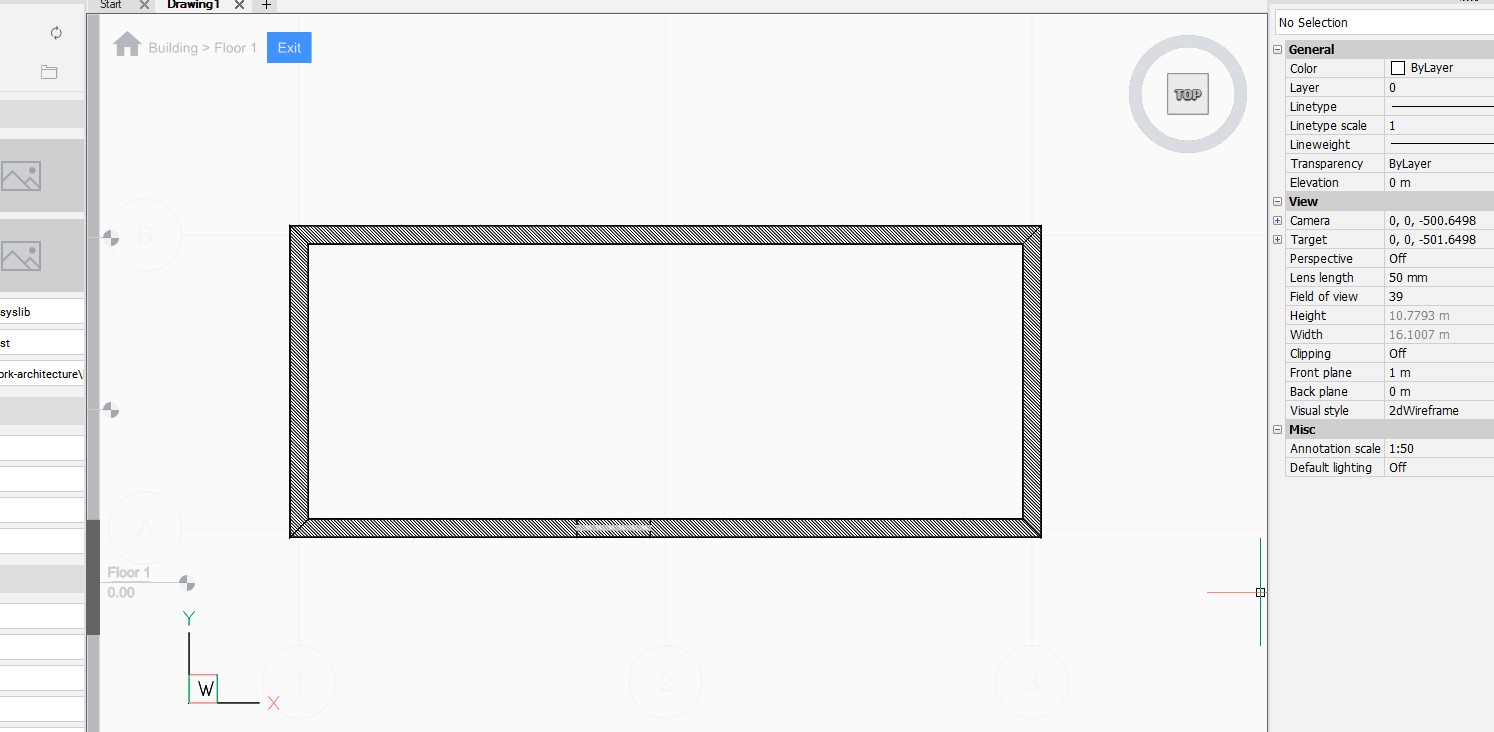
I'm evaluating BricsCAD BIM V27 and noticed that when using Active Story with a white or light Model Space background, geometry outside the active story becomes almost invisible.
This affects both walls on other stories and BIM Grid axes, making them difficult to use as references while modeling.
Is there a setting to control the fading intensity of inactive geometry in Active Story mode, or to change the color used for fading?
Ideally, inactive geometry should remain locked but clearly visible, regardless of the Model Space background color.
Thanks!
R.
0