V27 Cannot get point cloud to show in color

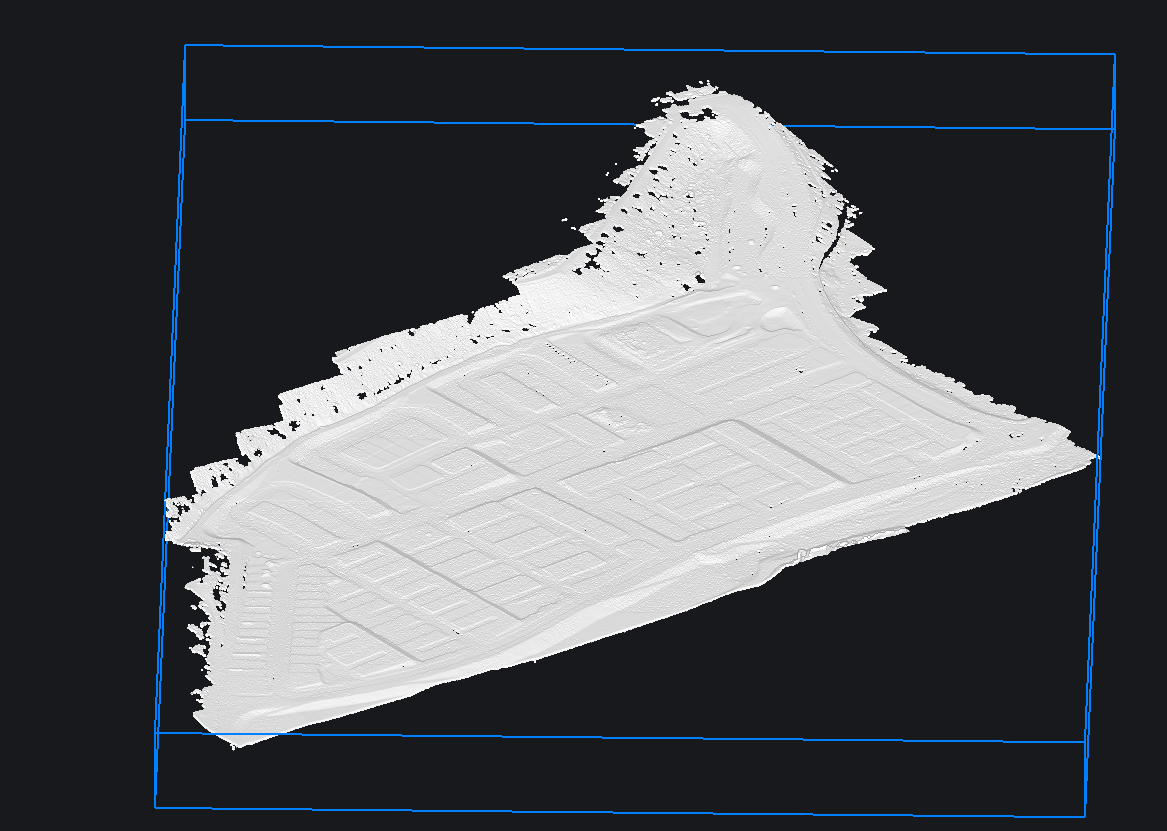
I just viewed my .laz point cloud in TBC so I know its got rgb, and when attaching the dialog shows rgb checked.
My point cloud shows white no matter what. I tried scan, elevation, and other setting in POINTCLOUDCOLORMAP.
I am in realistic mode, and have used bricscad for years, I am not new.
I'm on windows 11, with fast machine. Any ideas?
0
Comments
-
Hello jmaeding,
We are aware of this issue and a fix is underway in the next release.
As a workaround, you can force BricsCAD to use the NVIDIA GPU, if one is available on your system.
To do this, go to Windows Settings → System → Display → Graphics, find BricsCAD in the list, and set its graphics preference to High performance.
0