Change Visual Style in ALL Viewports

I perform this manual & arduous task routinely, click inside very viewport on every layout and run either:
VS enter 2 enter
or
VS enter E enter
One changes the Visual Style to 2DWireframe, the other changes the VS to Shaded with Edges.
Anyone know of a possibility to change all Viewports in one command string?
VS enter 2 enter A enter (VS 2 A=all would be cool)
or a LISP?
I change from 2D Wireframe after dimensioning and before I publish to Shaded with Edges.
After checking I change all Viewport VS's back to 2D Wireframe, dimension then back to Shaded with Edges prior to publishing to PDF again, rinse and repeat because performance extremely poor in paperspace with 3D Shaded Viewports compared to AutoCAD. It's such a time consuming process i'd like to save time on.
Comments
-
for Model Space Viewports have a look at
0 -
Use the following Lisp code for PaperSpace Viewports :
(defun c:changeVisualSTL_VP_PS ( / i vStyle vportsPS vpps)
(setq vStyle (getint "Enter a number for VisualStyle 1 for Wirframe, 7 for Shaded with Edges :" )
i 0
)
(print "Select Paperspace ViewPorts :" )
(setq vportsPS (ssget '((0 . "VIEWPORT"))))(while (< i (sslength vportsPS))
(setq vpps (vlax-ename->vla-object (ssname vportsPS i) ))
(vlax-put-property vpps "VisualStyle" vStyle)
(setq i (1+ i))
)
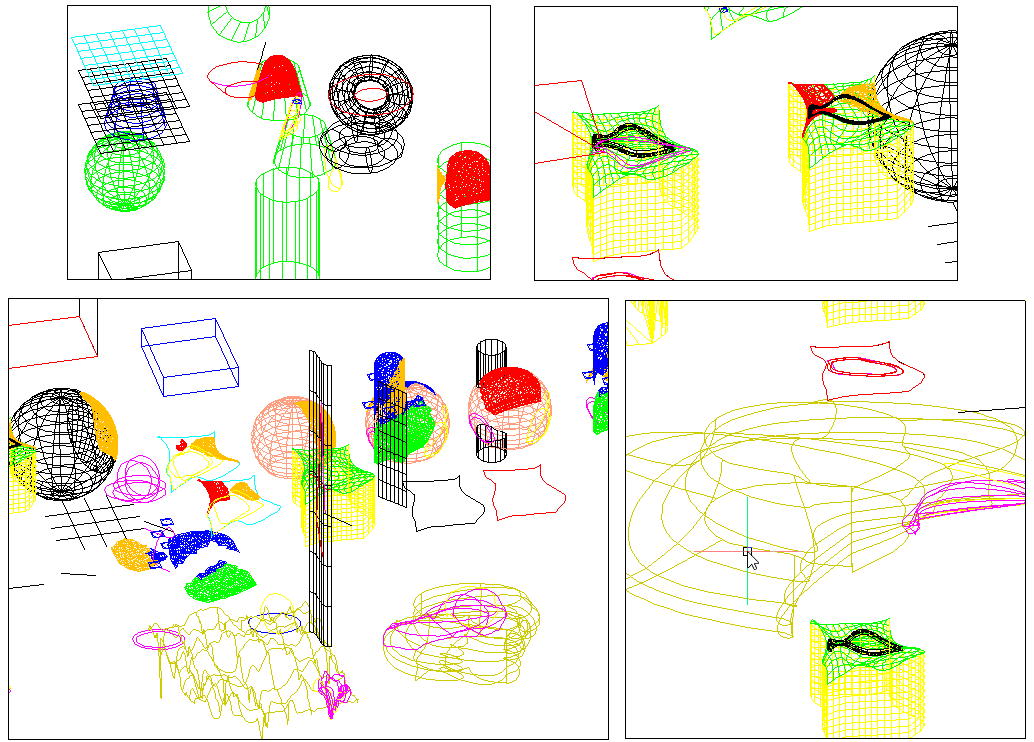
)
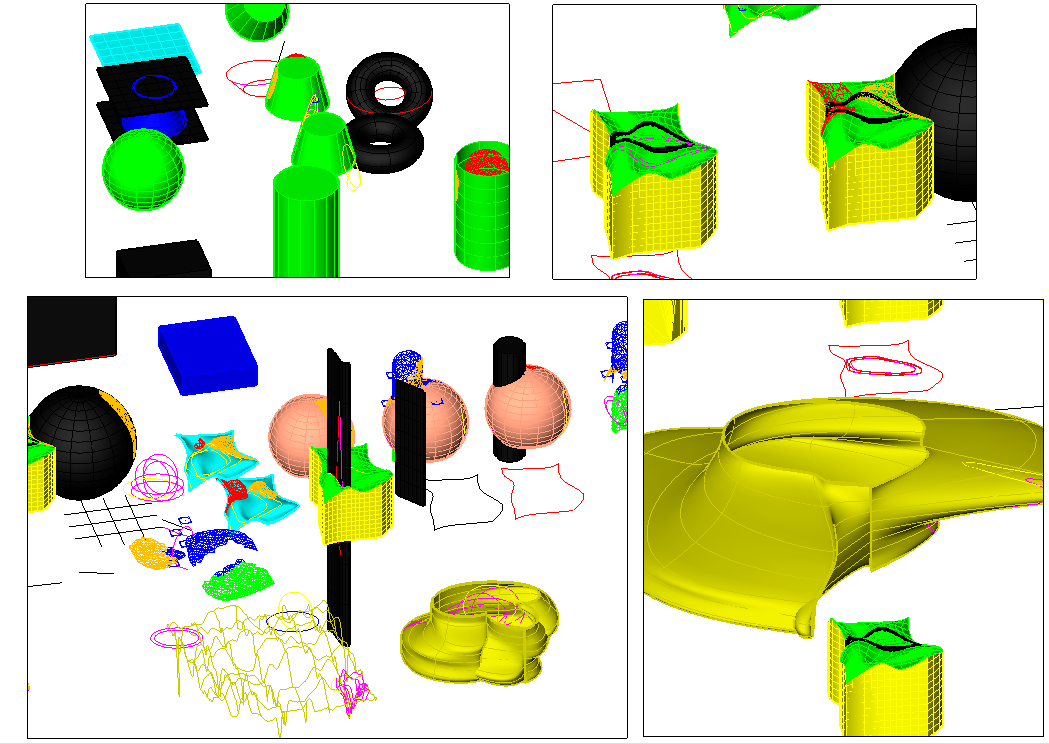 1
1 -
…and for other VisualStyles…:
1 2dWireframe
2 Conceptual
3 Hidden
4 Modeling
5 Realistic
6 Shaded
7 Shaded with Edges
8 Shades of Grey
9 Sketchy
10 Wireframe
11 X-Ray0 -
you mention in your post, that " you perform this manual & arduous task routinely, you click inside every viewport on every layout …" to change the Visual Style of certain paperspace ViewPorts ! ???
You don't need to do this, you can select one or more viewports in a Layout in paperspace and change their Visualstyle in the Properties Window (CtrL+1) …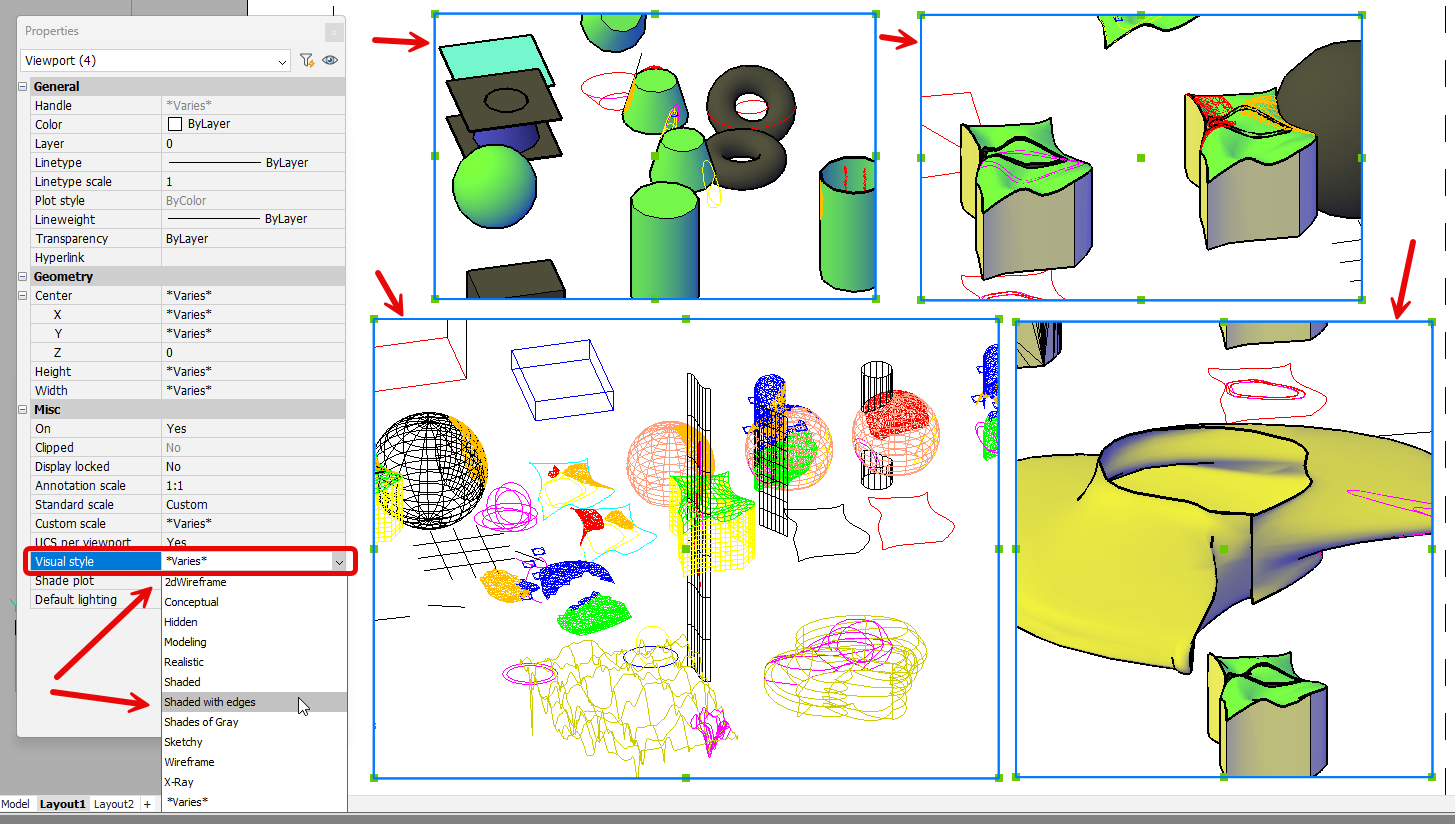 1
1 -
Finally if required, you can change the Visual Style of ALL ViewPorts in ALL Layouts using the following Lisp code :
(defun c:changeVisualSTL_VP_PS_ALL (/ vStyle lays blk vp-list)
(setq lays    (vla-get-Layouts (vla-get-ActiveDocument (vlax-get-acad-object)))
     vp-list  nil
     vStyle  (getint "Enter a number for VisualStyle < 1 - 11 >:" )
)
(vlax-for lay lays
;; Skip Model space
(if (/= (strcase (vla-get-Name lay)) "MODEL")
  (progn
  ;; Get the BlockTableRecord (paperspace block) of this layout
  (setq blk (vla-get-Block lay))
  ;; Iterate all viewPort entities in this layout
  (vlax-for evp blk
     (if (eq (vla-get-ObjectName evp) "AcDbViewport")
        (progn
          ;; Optional: skip the paperspace viewport (number 1)
          (if (/= (cdr (assoc 69 (entget (vlax-vla-object->ename evp)))) 1)
          ; change the visual Style of this ViewPort
            (vlax-put-property evp "VisualStyle" vStyle)
            ;(setq vp-list (cons (list lay evp) vp-list))
          );if
        );progn
      );if
    );vlax-for
   );progn
  );if
);vlax-for
)
1
