How to make a POP image menu for selecting blocks or programs.

As I have made pop menu's for like 40 years, a pop menu is what you see on the top line in CAD. i decide to write a tutorial about how to make one. As suggested it was based around the concept of inserting blocks in a much easier way than scrolling through hundreds of block images looking for that Ferrari Block. Rather grouping blocks under common themes. Like wise an image can be used as a link to call a program Lisp, .NET etc.
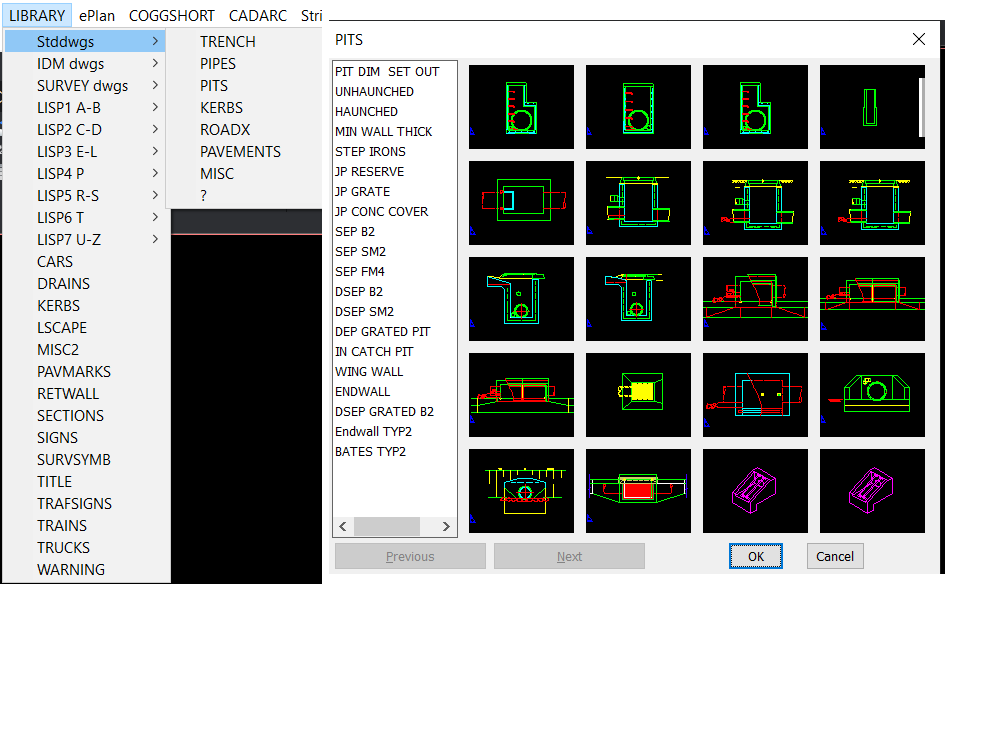
So this is part one of How to tutorial, Part two contains some speed up the process of writing MNU files.
This is the first version so if you try something and it does not work etc, please come back here and let me know, I can also be contacted via PM.
Please let me know if this was helpful then I will do Part2.
It is a Word document, so when you copy any of the lisp make sure you paste into Notepad then save as a .lsp file as Word saves with hidden characters.
Comments
-
Thank you for sharing, @ALANH 👍️
0