Toolbar Icon size

I upgraded to V25 from V20 and have found the icons on the toolbars are different sizes.
I have tried the different icon sizes from the dropdown but when set to small in V25&V26 they are to small and set to large they are to large. In V20 and V24 (currently using) they are set to large and all is good.
I have sent a support request and the answer was "try changing the screen resolution" which I found to be an unsatisfactory answer as will affect all the other windows applications.
All the icons are the correct sizes up to V24 and either to small or to large in V25 and V26.
Any thoughts? Perhaps something in the registry?
Images attached.
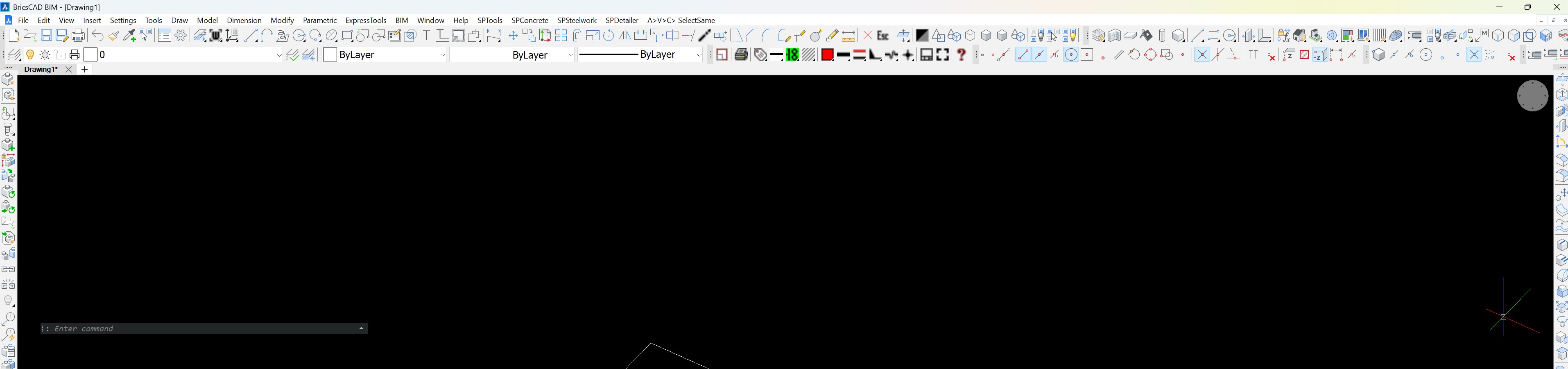
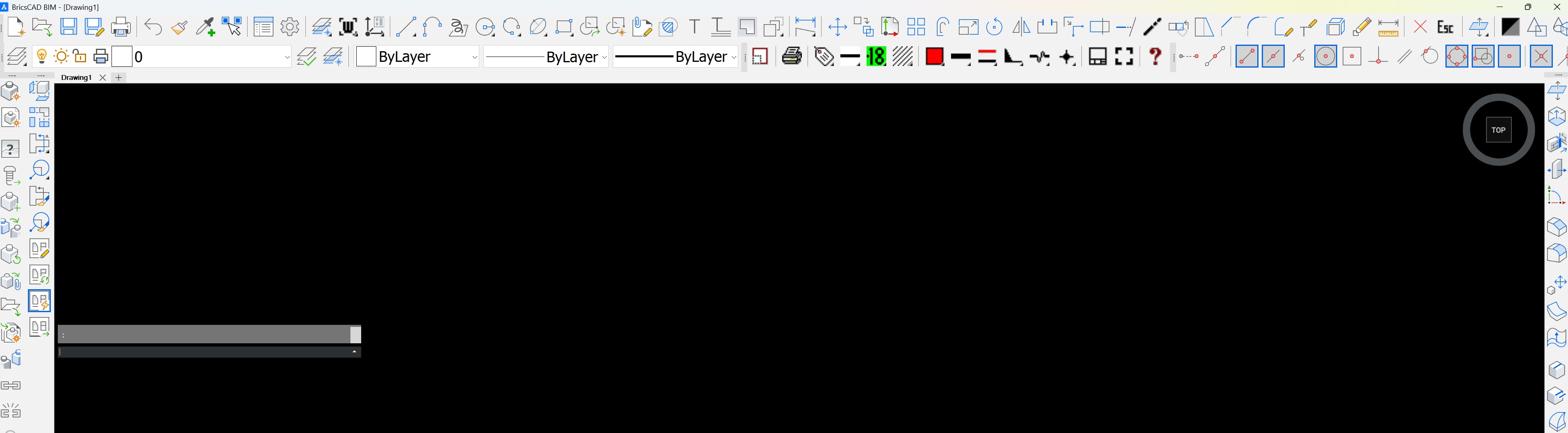
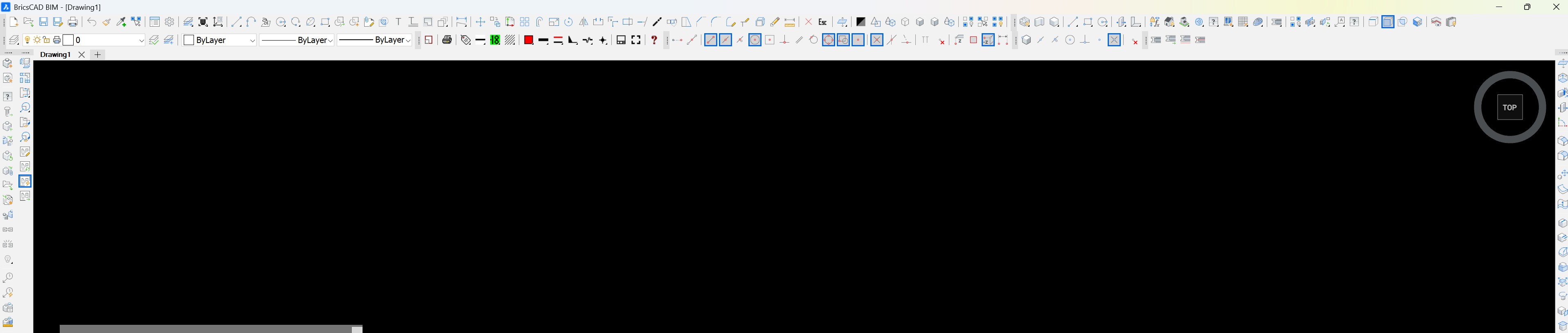
thanks in advance.
Comments
-
A constant issue, for many years back. Originally just Small Or Large, an even smaller one was introduced to cater for hi-res screens. But the size-gaps between them remain far too large. We wish there could be a slider or a %age number that could be set, but the icon system seems to be hard-wired so that every size has to involve a complete set of re-designed icons of fixed size - and they're only giving us three sets. Which somehow keep getting bigger or smaller, with version changes, but never a real solution. Perhaps toolbars are seen as legacy/obsolete/unimportant, preferring the dreaded Ribbon, but I for one rely entirely on custom toolbars plus typed-in commands.
1 -
But the size-gaps between them remain far too large.
TOOLICONPADDING
TOOLBARMARGINAFAIR set to zero means auto sizing (?)
So it might be worth to check if entering small values will collspse them a bit.
(I still have Padding set to "1" from issues with previous Bricscad versions)
0

