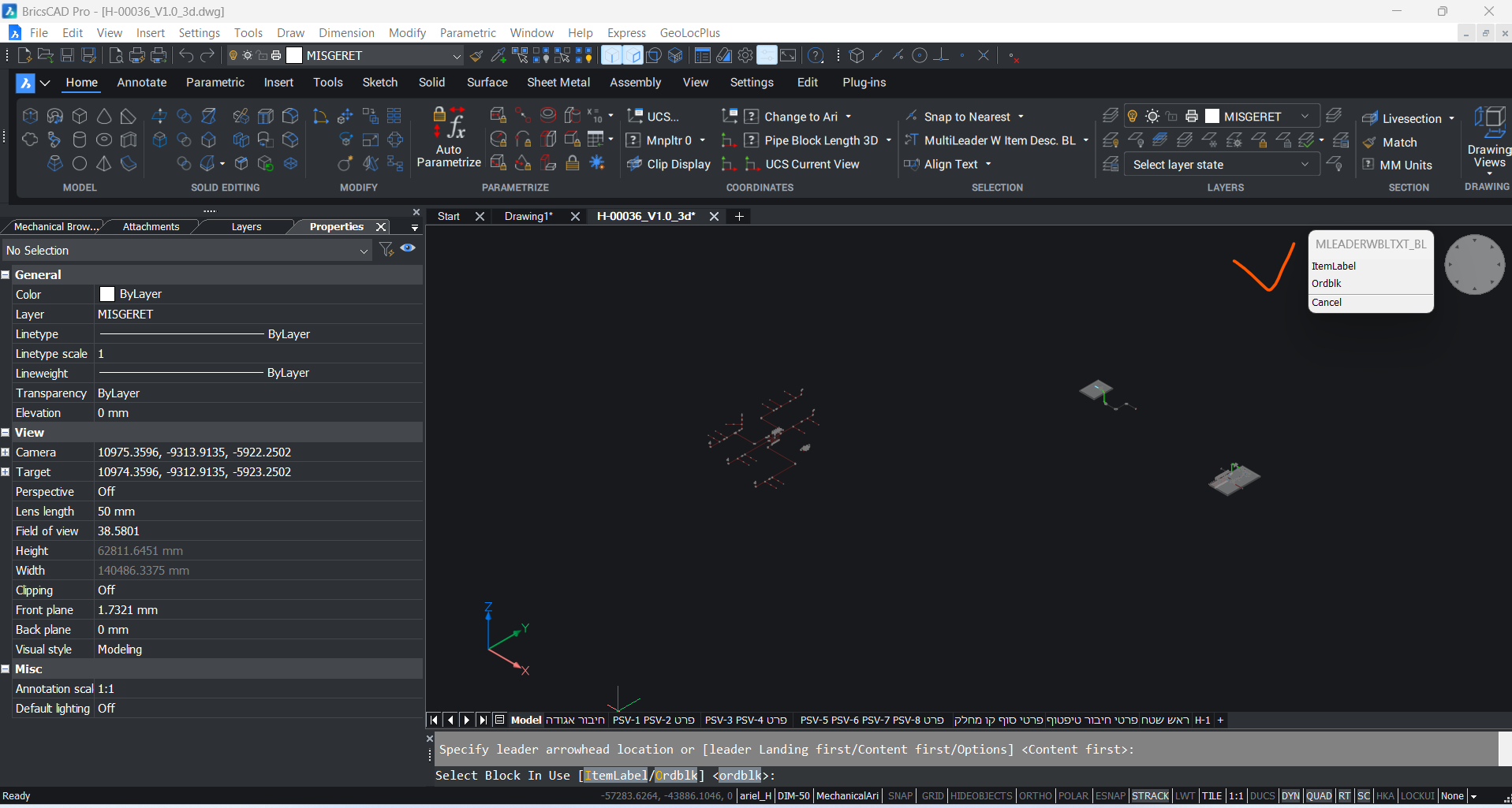
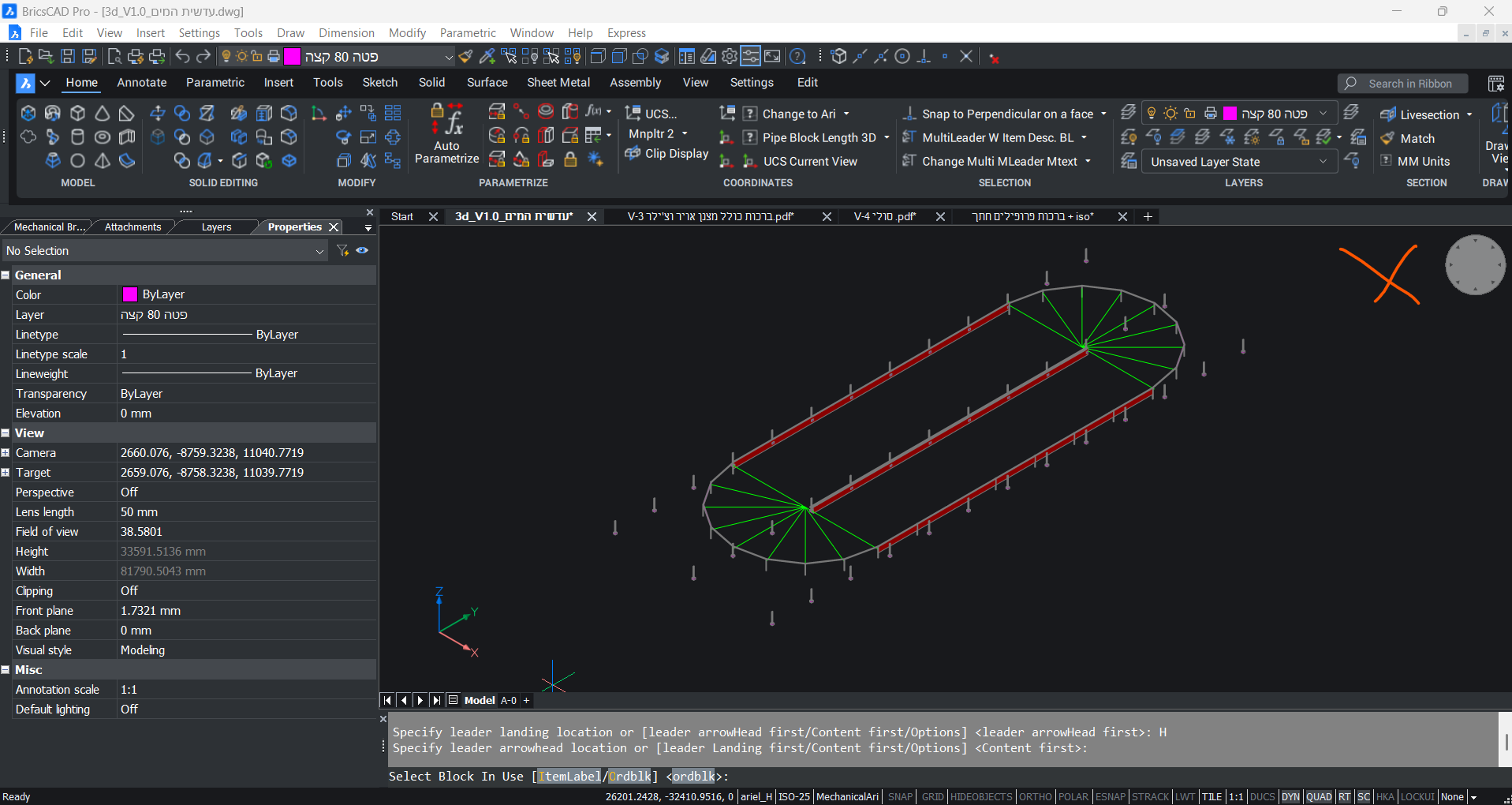
Bricscad 11.3.5-1: Prompt History window nightmare

Where I can disable the "Prompt History" window?
When I use the tool to measure distances always appear a second floating "Command bar" window; it is very annoying and always reappears.
Comments
-
Bumping this thread .. did anyone have a solution for this in 2023?0
-
settings -> prompt menu?0
-
Same issue here.
Horribly annoying.
0 -
Hello, you can disable prompt menu with PROMPTMENU system variable or in settings > prompt menu, as Its_Alive mentioned:
0 -
Found a solution that worked for me: my commandline was OFF, so I turned it ON and Prompt History window is no more.
PROMPTMENU doesn't actually solve the issue, it just defines promt window position with given values.
So, Daniel, probably your CMD line was also OFF as mine, so try turning it back ON.
I know it reduces visible active model window size, which is why mine was OFF, but this is classic "win some, lose some" situation.
Hope this helps.
0 -
Just as a clarification: PROMPTMENU system variable has multiple options. Two of the are for displaying or not the prompt menu and four of them are regarding the position of the prompt menu.
Possible options:
0: Don't display prompt menu
1: Display prompt menu
2: Display prompt menu top-left
3: Display prompt menu top-right
4: Display prompt menu bottom-left
5: Display prompt menu bottom-right
0 -
shows for me
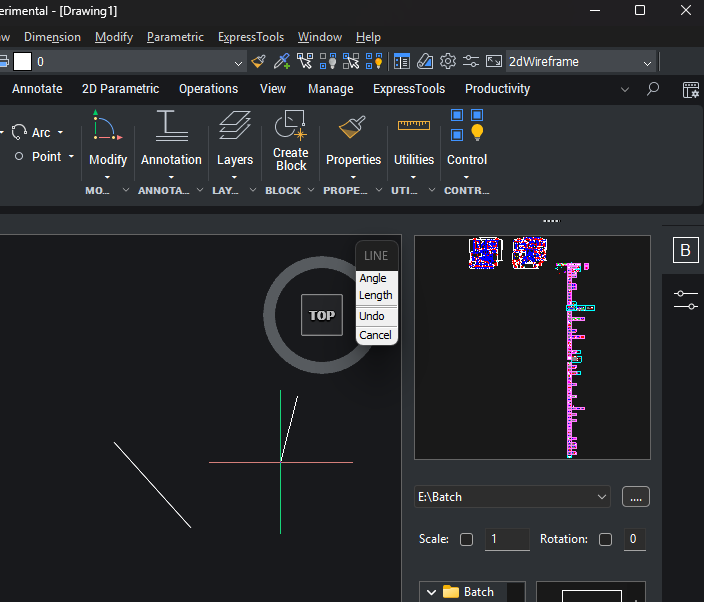 0
0 -
Hi.
found out that the missing prompt are only for lisp's (I use initget and getkword to set options).
strange enough,
in V24 & V25 it is working and stoped working in V26.
EDIT:
just realised it is a linux thread…
I'm on win11…
anyhow, the issue is the same…
0 -
Apparently, as I read in another topic on this forum, the new default behaviour is to have the prompts show up on the command line if that is turned on. This is supposed to be compatible with how AutoCAD works these days.
Now… if only they would fix the things that don't work well in BricsCAD but have no issues in AutoCAD that would be an improvement. Things like this change are imho not really an improvement. The shortcuts for the prompts are reused in other commands for different prompts so it is not easy to remember them all correctly and you have to look at the command line quite often which makes this new default prompt method actually less effective than the pop-up promptmenu.
The response will probably be along the line of it is only a slight delay, it takes only a bit of adjustment etc. but reality is that if you use the promptmenu a lot, those slight delays add up to quite a bit of lost time over a longer period.
0 -
You can try to set NEXTFIBERWORLD=1 if you are on Windows. This variable changed its default value in V26.
0 -
If you want to replace Initget and GetKword, you can use the Multi Radio Buttons.lsp and Multi Getval.lsp to make dcl versions on the fly for that task. It only takes a few lines of code to make a DCl. At end of your code use vla-delete file just to make sure its gone. I wrote them for exactly those tasks. They should work fine in V26 I have V25.
0