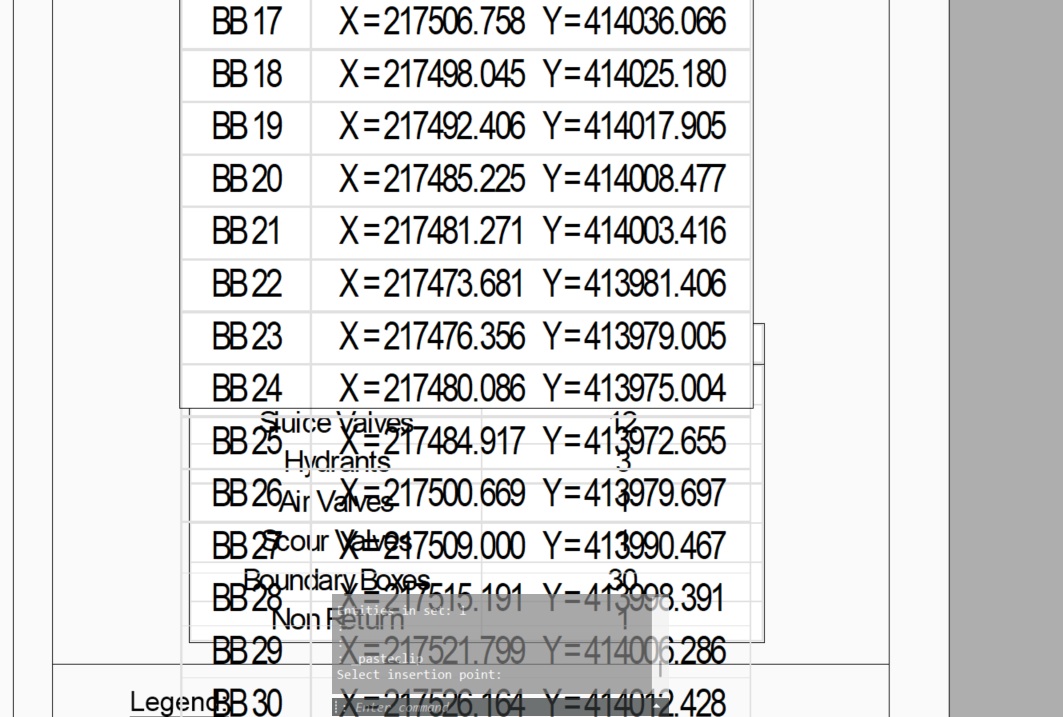
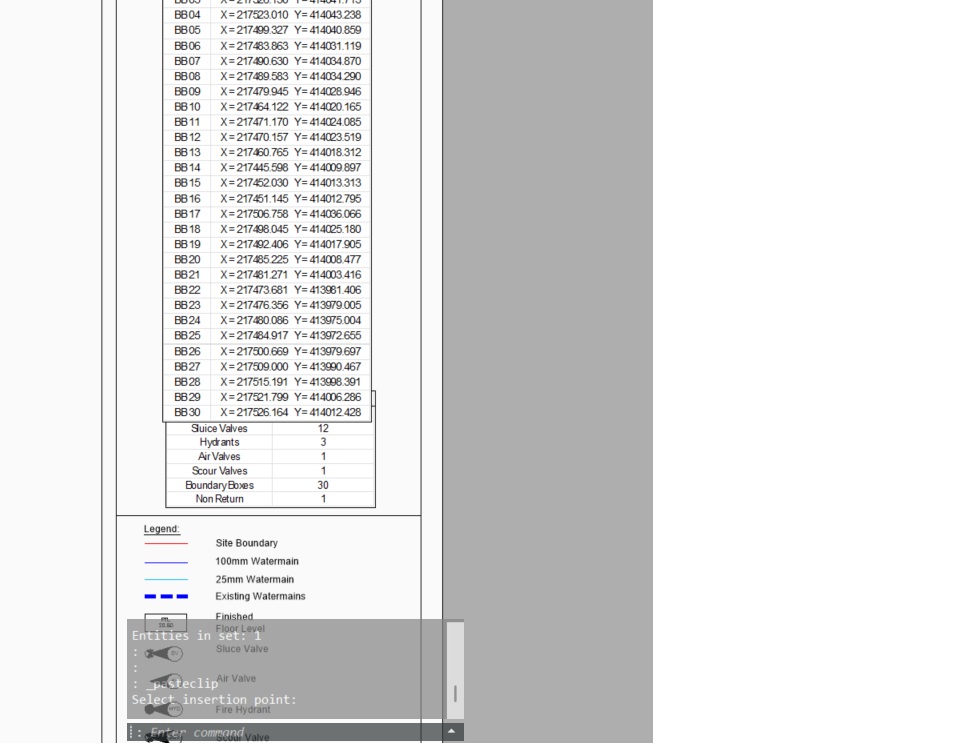
OLE2 changing scale on zoom

When I copied and pasted cells from excel into paperspace I had it looking as I wanted but when I exported it to PDF the tables were all wrong.
I noticed that if I zoom in on the OLE2 window in paperspace the table then changes scale to how it will export/print.
I've attached 2 pictures of the exact same table, only thing that I change is how close I am zoomed in..
Any ideas why this would be doing it and how I can rectify it?
Comments
-
My only comment is if your happy to not use an OLE but rather where cells are read from a Excel and a table produced, i can help you. Bricscad can read and write to excel via lisp.
0 -
I don't mind how the cells are brought over into Bricscad aslong as I can scale/adjust the size once it's imported to paperspace.. I ony use OLE2s as it's the only way I know how to do that without the hassle of creating a table..
0 -
you can insert excel table by using table from datalink.
do google search on "cad insert excel table using datalink".
0 -
Update:
Tried this morning out of stubborness of copy and pasting from excel to create an OLE2 to see if it worked and for some reason it worked perfectly 🤨
If a lisp is available for a backup method I'll happily learn to use it though and I will look into the datalink method also.
0 -
Try to print your layout to PDF and see how the table looks.
I used OLE and it look good in the layout but when I created PDF from it the resault wasn't good.
0 -
Yep, looks perfect… That's the issue I had yesterday, looked fine on paperspace and when I exported it to PDF I noticed it was all wrong, then I noticed when I zoomed in it was showing how it would appear when eported...
Must of had a little reset with the computer being shutdown on leaving work yesterday evening.
0