Window/opening in 2 walls?

Hi,
sometimes I need to create a load-bearing wall and it´s insulation separately as two walls. How can I create a opening in them? The opening is created only in one of them by default.
Thanks.
Comments
-
It was said there is an option to assign the opening to multiple Walls - which is great.
But I did not find how/where so far.I am also a big fan of separating Structural vs Finishes, like it is built in reality.
To avoid exponential increase of needed Compositions/Wall and Slab Styles.In FreeCAD I can do that quite easily by selecting and adding more Walls inside the Window's host Wall data field.
0 -
Hmmh, ….
Bricscad AI Assist may not really understand my prompt ….
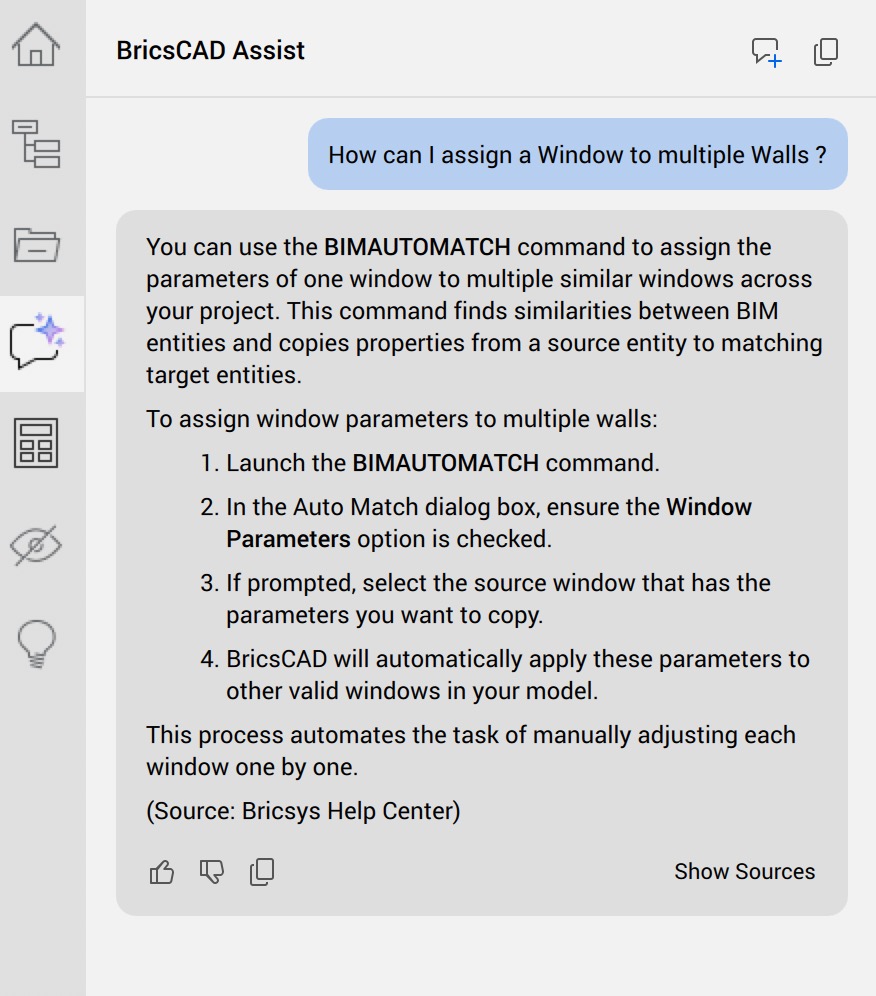
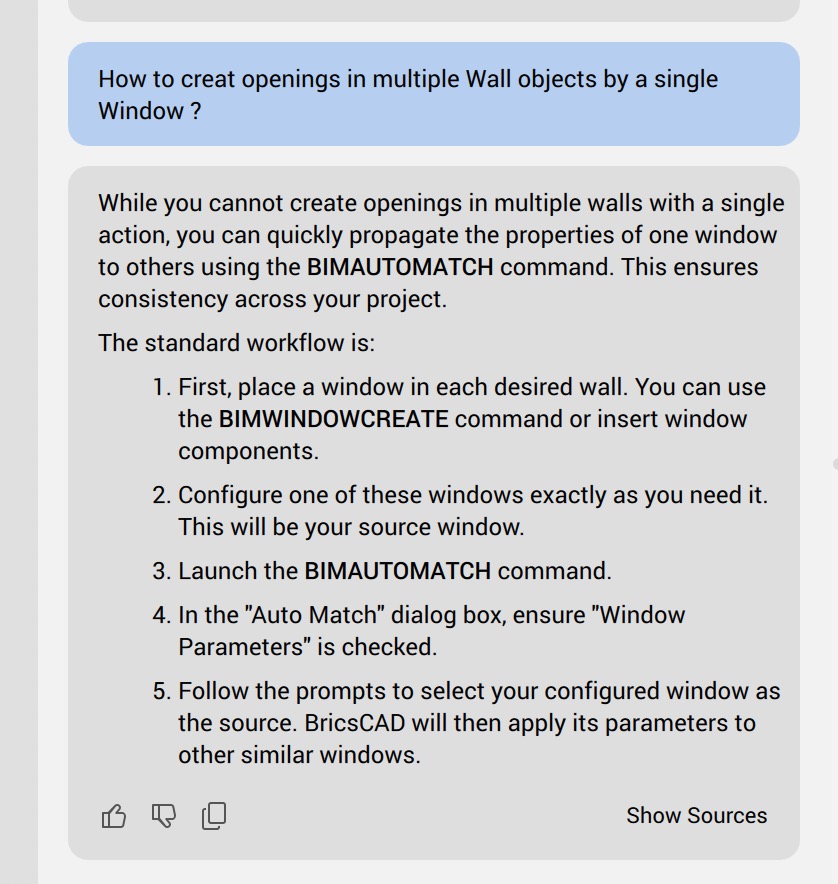 0
0 -
Hmmh,
I am not able to copy your text
sometimes I need to create a load-bearing wall and it´s insulation separately as two walls. How can I create a opening in them? The opening is created only in one of them by default.
into the prompt window.
AFAIR I am not able to do any simple Copy/Paste of Text or Numbers into any (or most) Bricscad input fields.
0 -
Seems to work somehow …. if you …. select both Walls before you select and add a Window from the Library.
It does not seem to really work with the advanced Windows (?), it cuts through both Walls but the Window seems to revert to a standard Window (?)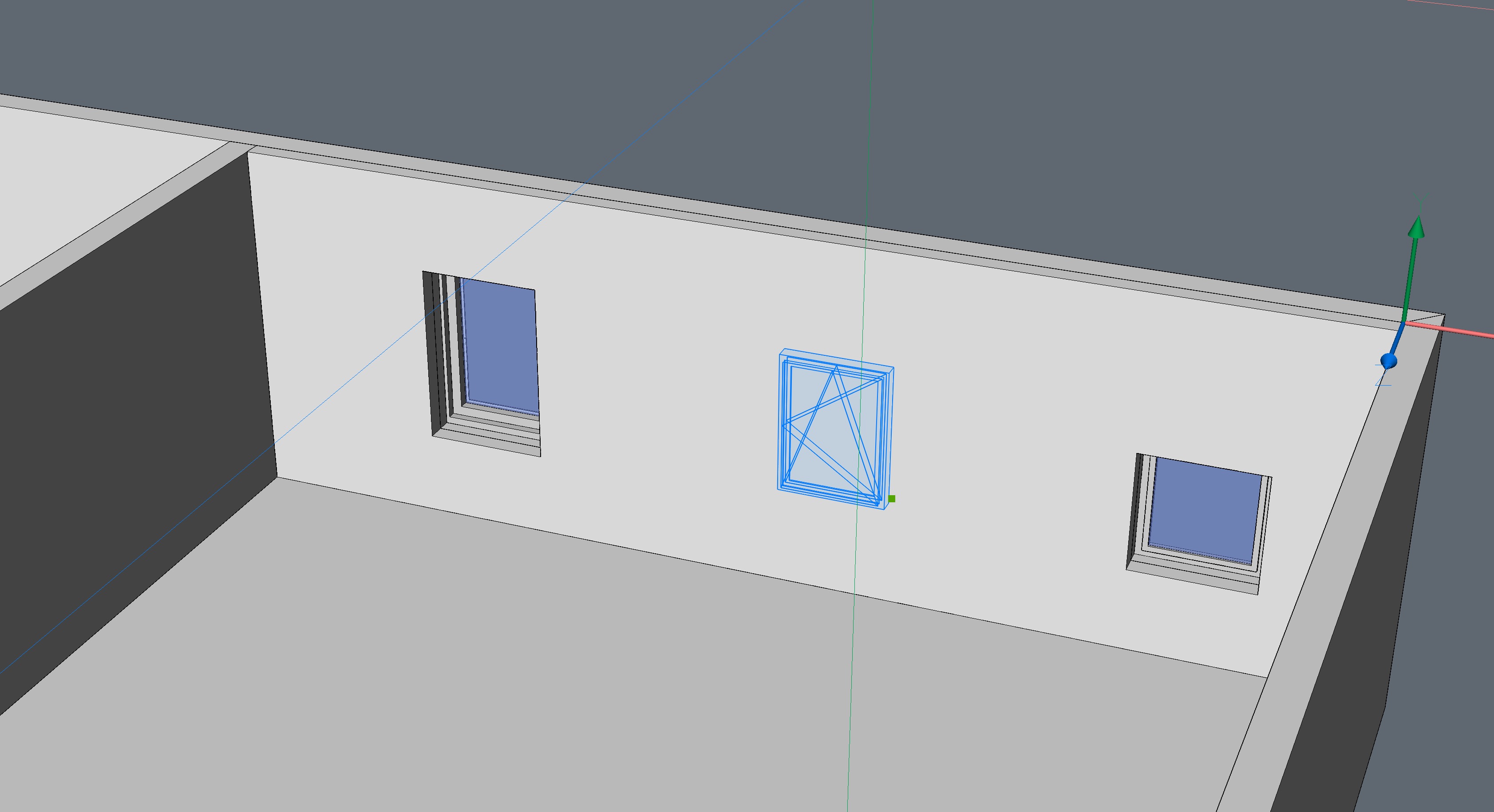 0
0 -
Hello.
You could experiment with using the BMLINK command.
First, you should thaw the BC_SUBTRACT layer, to make sure the cutting solids of the window intersect both walls.
If this is not the case, the window might need to be reinserted.Depending on the case, the block definition might need to be edited to adjust the size of the cutting solids.
After ensuring the cutting solids intersect both walls, use BMLINK and select the window.
Further, follow the command prompt.
You need to make sure both walls are selected as target solids.Eventually, BC_SUBTRACT could be frozen back.
1 -
Great, it works!
Thank you :)
0 -
Also in a case where the subtractor volume does go through both walls but only one cut at insertion try moving the position of the component afterwards and the boolean operation should update across both solids
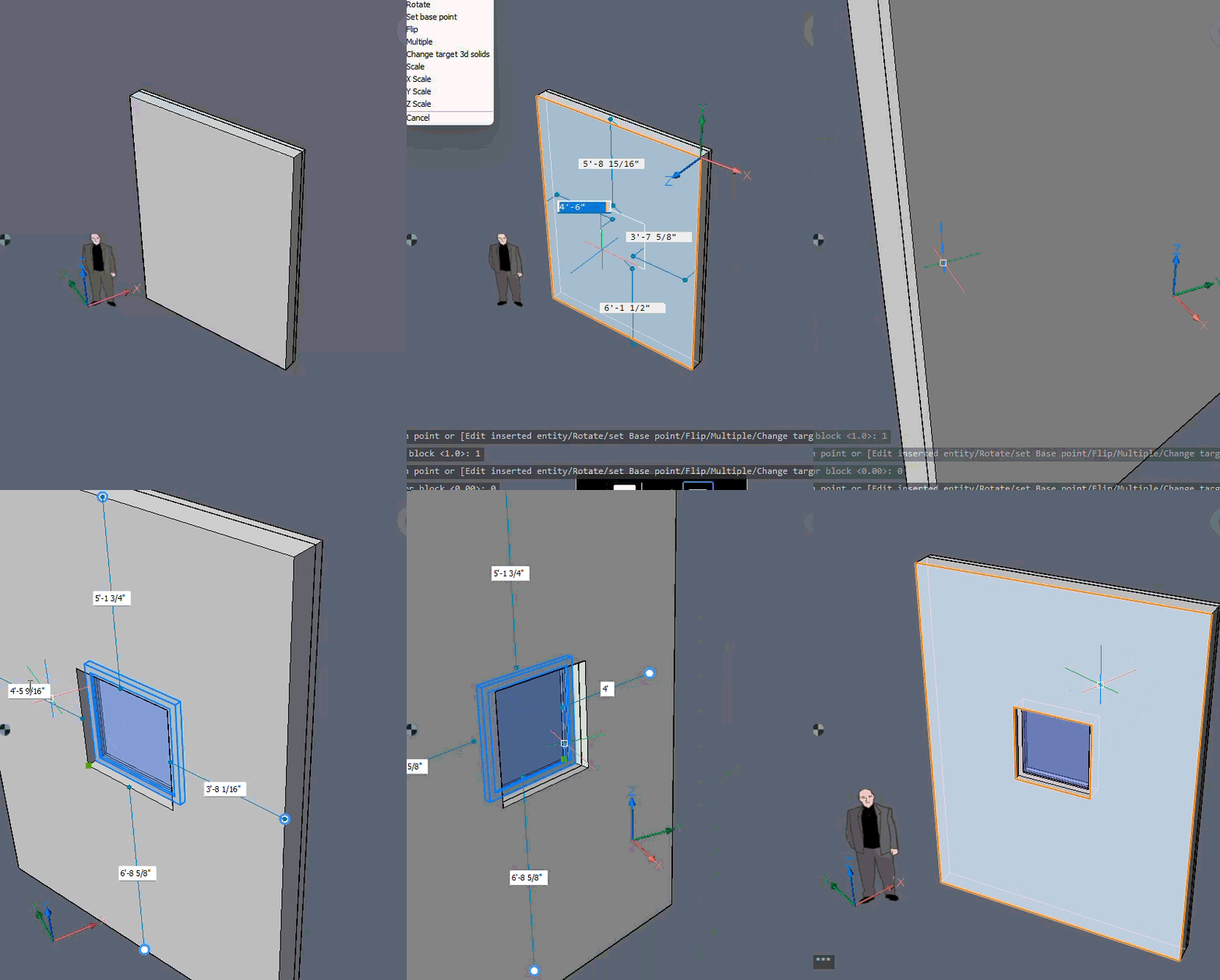 0
0 -
It works initially if you select both Walls before inserting the Window. Similar to what BMLINK does afterwards.
So it is implemented, which is fine.I wonder why the cut volume was reduced, AFAIR it was 1 m deep in the past.
A larger Volume should not be a problem in standard case (?)
Editing the Blocks seems a bit cumbersome.0
